LLDP Discovery: How Neighbor Mapping Works and Where It Stops
Published
- lldp discovery
- lldp network mapping
- lldp neighbor discovery
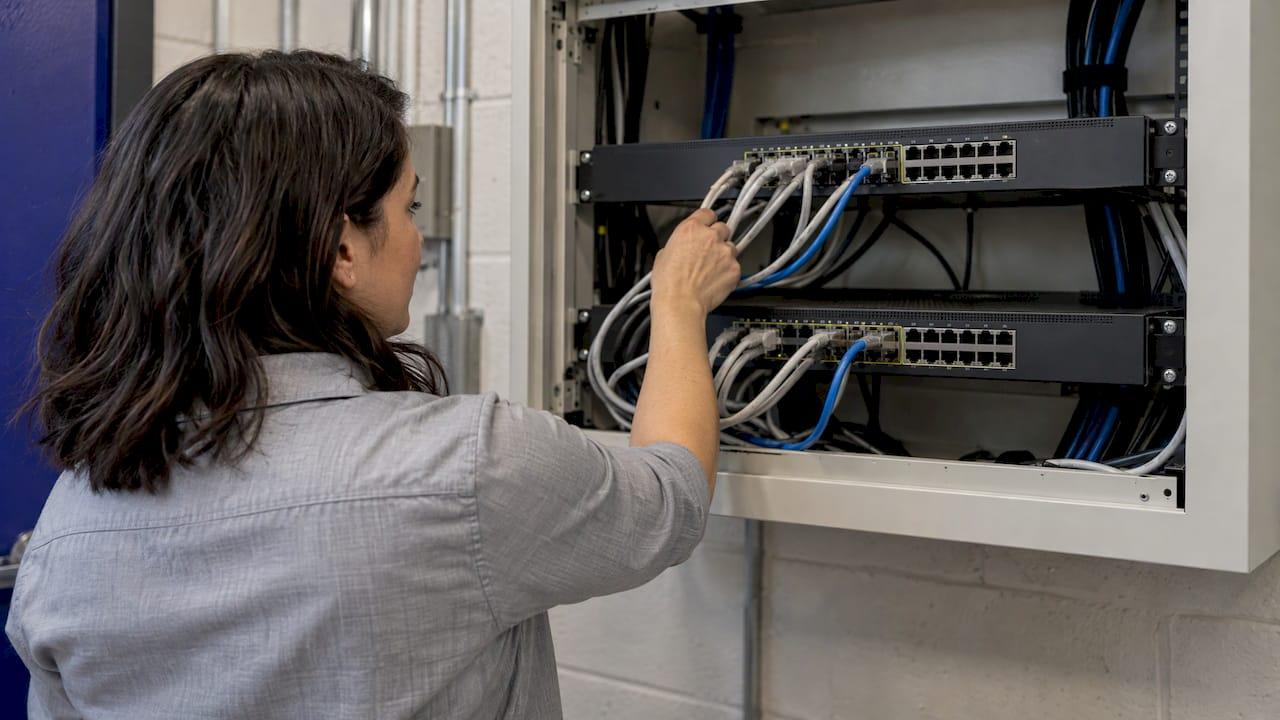
LLDP discovery is how a switch, router, access point or phone learns who is plugged into the other end of each port. Every device with LLDP enabled advertises its identity to its directly connected neighbors, and each neighbor stores what it hears. Read those tables across a site and you have a port-to-port map of the physical network. That map is only as good as the data behind it: LLDP sees one hop, it cannot cross a Layer 3 boundary, and it has to be collected, kept current and correlated across every site you manage. That last part is where a unified platform such as Netverge earns its place for MSPs and multi-site teams.
This guide covers how LLDP neighbor discovery works, the commands you use to read it, how to turn it into a network map, and how to limit its security exposure.
TL;DR
- LLDP (IEEE 802.1AB) is a vendor-neutral, one-way Layer 2 protocol: devices advertise identity and port details, and neighbors cache them until a time-to-live (TTL) expires.
show lldp neighborsgives the summary andshow lldp neighbors detailgives the full advertised data, including management IP.- LLDP only sees directly connected devices, so a multi-site map needs collection, correlation and documentation on top of it.
- Keep LLDP on infrastructure links, restrict it on user-facing ports, and treat what it reports as a hint, not proof.
- Netverge brings monitoring, documentation, ticketing and automation into one platform for MSPs and multi-location enterprises.
Table of Contents
- What LLDP discovery actually does
- What a neighbor advertises
- Enabling LLDP and reading neighbors
- From neighbor tables to a network map
- Where LLDP stops
- Securing LLDP without losing it
- Keeping the map current across sites
- Netverge for distributed network visibility
- FAQ
- Sources
What LLDP discovery actually does
LLDP is defined by IEEE 802.1AB. Per Cisco's IOS XR documentation, it is a one-way neighbor discovery protocol: a device sends periodic advertisements in LLDP frames, and receiving devices store the information in a remote cache until its TTL runs out. It works at the data link layer, so it needs no IP addressing to function, and transmit and receive can be switched on independently (both are on by default on that platform).
A few properties matter in daily operations:
- It advertises, it does not ask. Cisco's application services guide describes LLDP as unidirectional: it does not solicit information or monitor state changes.
- It stays on the link. HPE's AOS-CX documentation notes an LLDP-capable device never forwards LLDP packets to other devices. That is why the data describes direct neighbors only.
- It is stored for management tools. The same documentation explains that advertisements land in an LLDP MIB (a database of device values) that SNMP can query. That is how management systems build physical topologies from switch data.
- The scope was deliberate. The original IEEE 802.1 design document positions LLDP as a way to populate topology databases, not as a configuration or control protocol. Inconsistencies it reveals are for higher-layer management to act on.
The frame and the timers
Per Cisco's IOS XR guide, LLDP frames go to the multicast address 01-80-C2-00-00-0E with Ethertype 88-CC, and carry a PDU made of Type-Length-Value (TLV) elements. Each TLV is one advertised fact, such as a port ID or a system name. The protocol is a slow protocol, at no more than one frame per five seconds.
Two timers set how fresh your data is. On the Catalyst 1200, the lldp timer and lldp hold-multiplier commands default to 30 seconds and 4. The TTL is the timer multiplied by the multiplier, capped at 65535, so the defaults advertise a TTL of 120 seconds. Dell's SONiC documentation lists the same 30-second and 120-second defaults.

The practical meaning: if a cable is pulled, a neighbor entry can remain in the table for up to the remaining TTL. Do not read a neighbor table as a live link-state indicator.
What a neighbor advertises
According to Cisco's IOS XE 17 configuration guide, advertisements include:
- Chassis ID and Port ID, which together identify the sending port
- Port Description
- System Name and System Description
- System Capabilities (bridge, router, telephone, access point and so on)
- Management Address
- Power over Ethernet (PoE) information
The guide lists the uses as topology discovery, troubleshooting, asset management and deployment support such as PoE power delivery. Cisco's multivendor guide adds inventory management, emergency services, VLAN assignment and inline power.
For an MSP that inherits a site with no documentation, the management address and system name are the useful pair: they turn an anonymous port into a named, reachable device.
Enabling LLDP and reading neighbors
Commands differ by vendor. The examples below follow the documented platforms.
Cisco IOS XE
Per the IOS XE 17 guide:
- Enter
enable, thenconfigure terminal. - Run
lldp runto enable LLDP globally. - On each interface, use
lldp transmitandlldp receive, or the combinedlldp transmit receiveshortcut, for two-way discovery. - Save with
copy running-config startup-config.
Send-only or receive-only ports give you limited discovery, so use both directions on links you want mapped.
Linux-based switches
NVIDIA's Cumulus Linux 5.16 documentation states that the lldpd daemon implements 802.1AB and starts at boot, and that lldpcli queries it for neighbors, statistics and running configuration. Timer changes are documented for Cumulus Linux 4.4 with nv set service lldp tx-interval and tx-hold-multiplier, with an update interval between 10 and 300 seconds.
The commands that show you neighbors
| Command | What it tells you |
|---|---|
show lldp |
Global status, advertisement interval and hold time |
show lldp interface |
Per-port transmit and receive state |
show lldp neighbors |
Summary: device ID, local port, hold time, capabilities, remote port ID |
show lldp neighbors detail |
Every advertised TLV, including system name, description and management IP |
show lldp entry |
All neighbors, or one named neighbor |
These come from the IOS XE 17 guide. Dell SONiC uses show lldp table, show lldp neighbor and show lldp statistics for the same checks.
Reading the output
Start with the local port and remote port ID: that pair is one cable. Then check capabilities to see what the neighbor claims to be, and the hold time to see how stale the entry is. Use show lldp interface counters when something looks off: HP's older LLDP configuration guide explains that it reports packet counts, TLV errors and discards, and aged-out neighbors. The same guide notes that debug output is processor intensive, so use it sparingly on production gear.
From neighbor tables to a network map
One switch's table is a list. A map comes from collecting every device's table and joining the entries: switch A port 1 reports switch B port 24, and switch B port 24 reports switch A port 1. Repeat that for every device, and the pairs form a graph of physical connections.
A workable routine:
- Enable LLDP on infrastructure ports on every switch, router and access point you want in the map.
- Collect on a schedule. Poll each device's LLDP data over SNMP or the device CLI or API. The SNMP versus NETCONF comparison helps you choose a collection method for mixed-vendor estates.
- Join the pairs. Match each device's Chassis ID and Port ID to the remote device's own identifiers. Mismatches flag stale entries or misconfigured devices.
- Record the result in documentation tied to the site and client, so the next technician does not start from zero.
- Compare on every poll. A device that should show two upstream neighbors and shows one points to a moved or failed cable, which is a faster first check than walking the closet.
For a deeper look at how topology types and layers fit together, see Netverge's network topology architecture guide. For finding devices that never speak LLDP, such as printers, cameras and unmanaged switches, see the guide to scanning a network for devices.
Using LLDP data in incident diagnosis
Neighbor data is most useful in the first minutes of an incident:
- Connectivity loss: confirm the expected neighbor is still seen on the uplink and that the remote port ID matches your documentation.
- PoE devices not coming up: LLDP carries PoE information, so a port's advertised power data is a first check. The PoE switch troubleshooting guide walks through the next steps.
- Unexplained congestion: a faulty interface flooding LLDP messages can be found through the interface counters, as HP's guide describes.
- Wrong-port patching: compare the remote port ID to the documented cable plan.
For the broader sequence of checks once you know where the break is, follow the step-by-step network troubleshooting process.
Where LLDP stops
Cisco's IOS XE 17 guide is direct about the limits, and you should plan around them:
- Layer 2 only. You see directly connected neighbors. Nothing crosses a Layer 3 boundary, so LLDP alone cannot map routed paths between sites or show a WAN route.
- No neighbor authentication. Anything that speaks LLDP on a port is believed.
- No configuration enforcement. LLDP reports; it does not change anything.
- Vendor-specific TLVs. Another vendor's device may not understand them.
- Small but nonzero CPU and memory use.
The 2002 IEEE design document draws the same line: LLDP is a source of data for topology management, not a control channel. That is why distributed networks pair it with other signals: SNMP interface counters, flow and path monitoring, and active probes. See how correlated packet loss monitoring and site-to-site VPN monitoring cover what LLDP cannot see.
Securing LLDP without losing it
LLDP frames are sent in the clear, and advertisements reveal useful details. The CIS Juniper benchmark item, as published by Tenable, lists hostname, port details, VLAN name, management IP, capabilities and serial number among the data an attacker could use, and recommends disabling LLDP where it is not required. It also warns that turning it off on PoE and VoIP ports can disrupt service.
A balanced policy:
- Keep LLDP on backbone, trunk and infrastructure links, where it supports mapping and diagnosis.
- Restrict it on user-facing access ports unless a phone or access point on that port needs it. Do this per interface, not globally.
- Segment management addressing, so learning a management IP does not grant reach.
- Consider link encryption on trusted links. Cisco's IOS XR guide notes MACsec encrypts LLDP packets by default, with an option to leave them in the clear.
- Treat LLDP data as a hint. A research thesis on topology correlation notes that LLDP does not verify the source of what it receives, so wrong topology data can be fed into monitoring. Cross-check against other sources before you act on it.
Keeping the map current across sites
The commands are easy. The hard part for an MSP or a multi-site IT team is doing it for dozens of sites and clients, in a consistent way, and keeping the result attached to monitoring, tickets and documentation rather than in a spreadsheet.
Netverge is built for that job. It unifies monitoring, documentation, ticketing and AI-powered automation, with multi-tenant management and role-based access for MSP and multi-location operations. Hardware and software Vergepoints give visibility at each location, and a knowledge graph keeps network context together for diagnosis. For the hardware side, see hardware-driven monitoring for MSPs and enterprises and the guide to deploying network probes with checklists, which cuts site visits.
When the AI agents propose or take actions on production devices, keep a human in the approval loop for any change, and follow your own change policy. LLDP data itself is read-only evidence, so it is a safe input for diagnosis, but it is not a basis for access rules.

Netverge for distributed network visibility
If you manage many sites, you need discovery, monitoring and documentation in one place. Netverge's Starter Package is $299 per month. Hardware Vergepoints are $49 per month per device, and a software Vergepoint is $29 per month. Extra capacity is priced as add-ons, such as $100 per month for each additional 100 monitoring sensors or 100 sites. Review the Vergepoints page and the pricing guide, estimate your cost with the pricing calculator, or start a free trial.
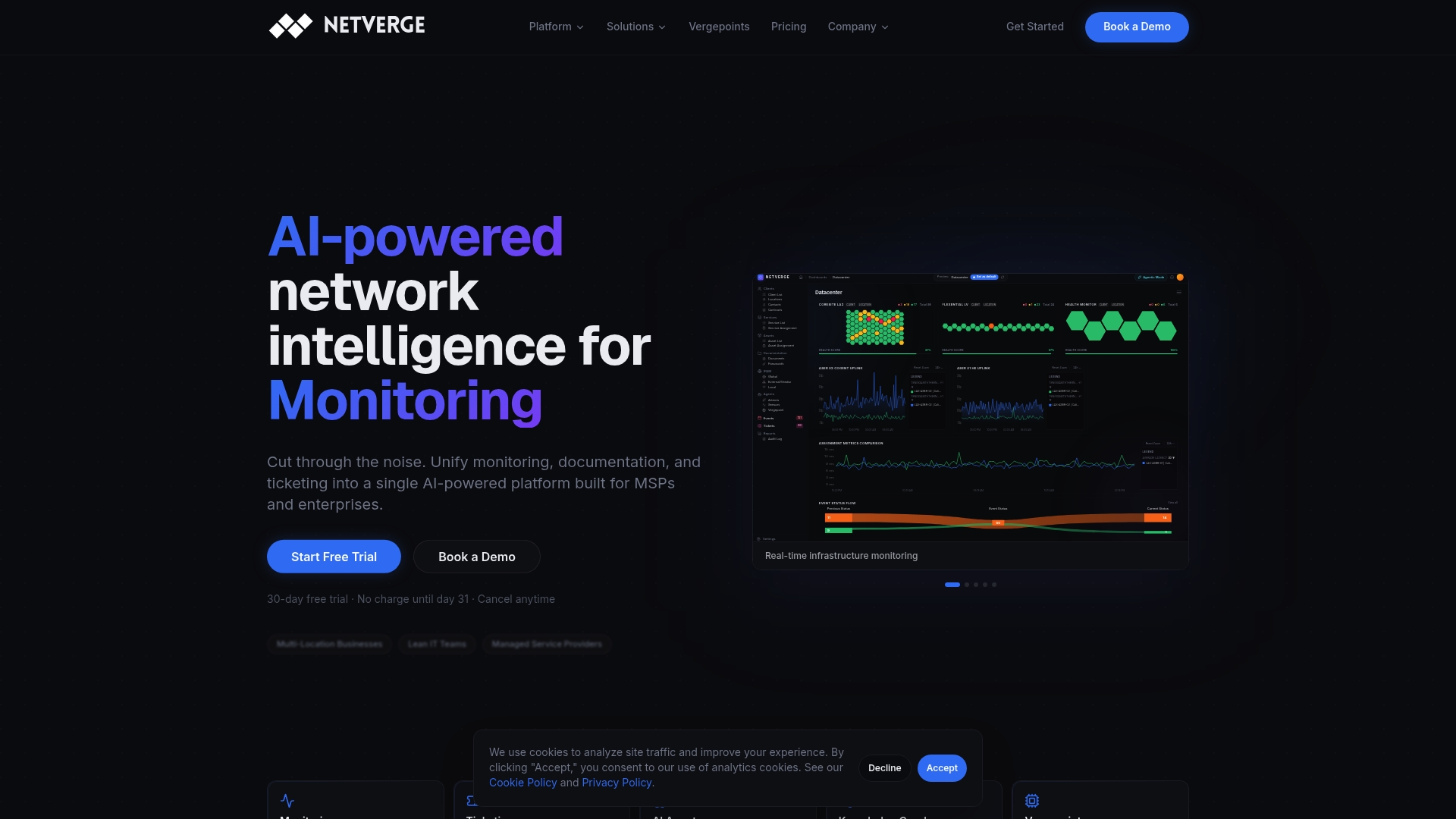
If you want to see how the platform handles your own site layout first, the trial is the place to begin.
FAQ
How does LLDP neighbor discovery work?
Each LLDP-enabled port periodically sends a frame to a reserved multicast address with its chassis ID, port ID and other TLVs. The neighbor stores that data until the TTL expires, and refreshes it with each new frame. Devices never relay these frames onward.
What is the command to enable LLDP?
On Cisco IOS XE, lldp run enables it globally, and lldp transmit receive enables both directions on an interface. Other platforms differ: Cumulus Linux runs lldpd from boot, and Junos has its own lldp configuration. Check your vendor's documentation for the exact syntax.
What does show lldp neighbors do?
It lists the neighbors a device has learned: local port, neighbor device ID, hold time, capabilities and remote port ID. Add detail to see every advertised TLV, including the neighbor's system description and management IP.
Can LLDP map my whole network?
It maps physical links between directly connected devices. Routed paths between sites need other methods, and devices that do not run LLDP need to be found by scanning or other monitoring. Combining the sources gives the complete picture.
Should I disable LLDP on user ports?
In most environments, restricting it on user-facing access ports reduces exposure, and keeping it on infrastructure links preserves troubleshooting value. Leave it on where phones or access points rely on it for power and VLAN settings.
Sources
- Cisco IOS XR: Link Layer Discovery Protocol
- Cisco IOS XE 17: Configure LLDP
- Cisco application services guide: Using LLDP
- Cisco Catalyst 1200 CLI guide: LLDP commands
- IEEE 802.1: Link Layer Discovery (2002)
- HPE Aruba AOS-CX 10.14: LLDP
- Dell SONiC: Link Layer Discovery Protocol
- NVIDIA Cumulus Linux 5.16: LLDP
- NVIDIA Cumulus Linux 4.4: LLDP
- HP SR7000dl guide: Link Layer Discovery Protocol
- CIS Juniper benchmark 4.12.1: Ensure LLDP is disabled if not required
- Correlating different network topology layers in heterogeneous environments