Pick your deployment mode now: a virtual machine, a Linux host, or a hardware probe, then run a short prerequisites checklist before you install anything. Once that checklist is clear, a properly deployed probe authenticates to your devices, collects telemetry over SNMP polling or a secure API, and reports to your central monitoring platform. SNMPv3 should be your default protocol choice, since it adds authentication and encryption that older versions lack.
TL;DR:
- Using centrally managed probes with proper configuration reduces manual effort and enhances consistency across multiple sites.
- SNMPv3 with authentication and encryption is essential for security, while legacy SNMPv2c should be isolated and restricted to minimize risks.
- Regularly revisiting credentials, security advisories, and probe health ensures long-term monitoring reliability and prevents silent failures.
- Deploying a unified platform streamlines device discovery, MIB mapping, and telemetry analysis, especially in multi-site environments.
- Starting with small-scale discovery and tightening alert thresholds after initial baselining improves accuracy and reduces false alarms.
Table of Contents
- A quick checklist before you deploy a probe
- Plan placement, capacity, and discovery before you install
- Install steps for VM, Linux, and hardware probes
- Harden SNMP and network access before going live
- Onboard devices: discovery, polling, traps, and MIB mapping
- Validate, test, and set baselines that hold up
- Scale probes and keep them running reliably
- What experience with distributed probes actually teaches
- The checklist matters less than the monitoring habit
- When a unified platform beats a pile of standalone probes
- Where to verify the standards and advisories cited here
- Sources
- FAQ
A quick checklist before you deploy a probe
A short preflight pass catches most of the delays that stall probe rollouts. Confirm these items before you touch the install command:
- Host option chosen (VM, Linux server, or hardware appliance) with CPU, RAM, and disk sized to the device count.
- Management VLAN identified, with NTP and DNS reachable from the probe.
- Firewall rules drafted to permit the probe's source address to reach target devices.
- SNMP credentials ready, along with any vendor-specific MIBs you plan to load.
- Rollback plan and maintenance window scheduled in case the install needs to be reversed.
Skipping any one of these usually means a second visit to the same site.
Plan placement, capacity, and discovery before you install
Where you put a probe matters as much as how you configure it. A per-site probe keeps device-management traffic local and avoids exposing SNMP agents across a WAN link. This pattern is described in the original SNMP architecture framework in RFC 2570. A central probe is simpler to manage but increases WAN exposure and adds latency to polling cycles.
Sizing depends on device count and polling frequency, not just raw headcount:
- A single probe typically handles a moderate number of devices at standard polling intervals before CPU or memory becomes the limit.
- Disk space scales with retention: longer trap and log history needs more local storage.
- Discovery scope should match a defined IP range and credential set, not an open sweep of the whole network.
Pro Tip: Run discovery against a small pilot subnet first and confirm every expected device appears before expanding to the full site.
Install steps for VM, Linux, and hardware probes
Each host type follows a similar sequence: provision, configure, start, verify.
- VM image: Import the OVA or VHD, assign a static IP on the management VLAN, allocate CPU and RAM per your sizing plan, then boot and confirm the monitoring service is running.
- Linux package: Run preflight checks for dependencies, create a dedicated service account, review SELinux or AppArmor policies that might block the agent, then install and enable the systemd unit.
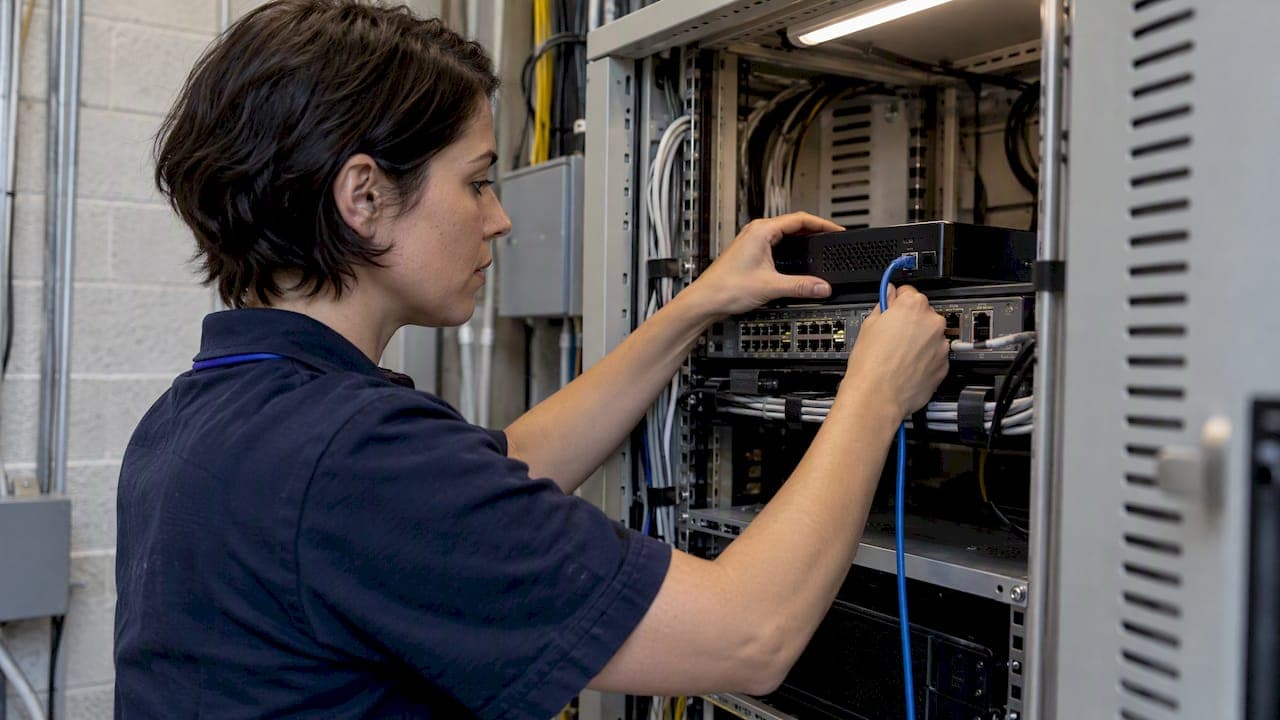
- Hardware edge probe: Rack and power the unit, let it pull NTP time and request certificates during zero-touch provisioning, then confirm it registers with the central platform automatically.
- Post-install verification (all types): Check service health, review startup logs for errors, and confirm the probe can reach the central platform over its configured port.
A probe that passes all four checks is ready for device onboarding. One that fails step four almost always points to a firewall rule or DNS entry missed during the checklist stage.
Harden SNMP and network access before going live
SNMPv3 with authentication and privacy should be the default for every new probe deployment. Configure the View-based Access Control Model (VACM) to limit each user to the specific MIBs they need, rather than granting broad read access by default.
- If SNMPv2c is unavoidable for legacy devices, isolate it to a dedicated management network and restrict it to known source addresses only.
- Apply firewall or ACL rules that limit which addresses can query each device, not just which ports are open.
- Rotate credentials on a schedule and audit who has access to each read view.
- Track vendor security advisories before rolling out firmware or agent updates.
Vendor advisories matter more than they get credit for: NVD's entry for CVE-2025-20151 documents an SNMPv3 access-control defect in affected Cisco IOS and IOS XE versions that allowed authenticated polling to bypass source restrictions. SNMPv3 credentials alone did not stop it, which means network-level source filtering remains necessary even with strong authentication in place.
Onboard devices: discovery, polling, traps, and MIB mapping
Getting a probe installed is only half the job. The probe needs to discover the right devices and collect the right telemetry.
- Run discovery with the credential set from your checklist and compare results against your known device inventory before accepting it.
- Set polling intervals for interface counters, CPU, memory, and environmental sensors, balancing detail against the load each additional metric adds.
- Enable traps and test them. Prefer InformRequest over basic traps, since InformRequest requires acknowledgment and confirms delivery rather than firing blind.
- Upload vendor MIBs and map each OID to the matching dashboard metric so raw counters turn into readable data.
- Test credentials against a sample device before a full rollout, and keep a documented fallback credential set for devices that reject the primary one.
A probe collecting data without correctly mapped MIBs will show numbers that mean nothing to the person reading the dashboard.
Validate, test, and set baselines that hold up
Before calling a deployment complete, run through a verification pass end to end.
- Confirm connectivity from probe to device and from probe to the central platform, including port and certificate checks.
- Issue a manual SNMP GET and GETNEXT against a test device, then trigger a trap or InformRequest to confirm reception.
- Verify VACM read-view restrictions actually limit visibility the way you configured them, not just that the configuration was saved.
- Check that counters increment correctly and timestamps are consistent, since a probe with drifting NTP produces misleading trend data.
Pro Tip: Set initial alert thresholds wider than you think necessary, then tighten them after a week of baseline data so you are not paging someone on normal traffic variance.
The RFC 3512 guidance on configuration changes applies well here: pre-test, apply the change, then re-test before considering the work finished, a sequence outlined in RFC 3512.
Scale probes and keep them running reliably
Watch for the signals that mean it is time to add a probe rather than push the existing one harder: rising poll latency, missed samples, or sustained CPU and memory pressure.
- Distribute collection across multiple probes rather than one oversized instance per site.
- Build in redundancy so a single probe failure does not create a monitoring blind spot.
- Patch probes on a regular schedule and validate firmware against current vendor advisories first.
- Monitor the probe itself: its logs, process health, and resource use deserve the same attention as the devices it watches.
- Keep a documented rollback procedure for any change that touches probe configuration.
Large-scale deployments benefit from the high-capacity RMON object groups described in RFC 3273, which were built for exactly this kind of high-volume collection.
What experience with distributed probes actually teaches

Netverge's hardware Vergepoints and software Vergepoint modules were built around a pattern that shows up constantly in distributed monitoring: the probe itself is rarely the hard part, the mapping between raw telemetry and something a technician can act on is. A probe that reports thousands of OIDs with no context just adds noise to a dashboard.
Platforms that convert that raw telemetry into a knowledge graph and correlate it automatically cut down the manual work of matching devices to tickets.
A probe that collects data nobody maps correctly is just generating logs, not visibility.
— Jim
The checklist matters less than the monitoring habit
Most guidance on this topic treats deployment as a one-time event: install the probe, confirm it reports data, move on. That mindset is where things fail quietly. A probe that passes verification on day one can drift out of sync with NTP, miss a firmware update tied to a security advisory, or silently drop traps after a firewall rule change months later.
The checklist in this guide gets you to a working deployment. What determines whether that deployment stays useful is whether anyone revisits the credentials, the VACM views, and the vendor advisory list on a schedule. Teams that treat SNMPv3 configuration as a one-time hardening step rather than an ongoing audit tend to be the ones still running SNMPv2c on a forgotten switch two years later.
Prioritize the boring parts: credential rotation, advisory tracking, and probe self-monitoring. They matter more over a year than the install steps that get all the attention up front.

When a unified platform beats a pile of standalone probes
Deploying probes one site at a time works, but it adds up: separate credentials to track, separate MIBs to map, a separate visit every time a device gets added. Netverge consolidates that work by pairing hardware Vergepoints with the Software Vergepoint module, so device discovery, MIB mapping, and dashboard correlation run through one platform instead of a dozen disconnected tools.

For a handful of devices at a single site, a manually configured probe is often enough. For multi-site operations where credential sprawl and missed firmware advisories start costing real time, a consolidated platform removes most of that manual overhead. Check the Starter Package pricing to see where your device count and site count land, or review the pricing guide for hardware Vergepoint and additional sensor costs.
Where to verify the standards and advisories cited here
For deeper reading on the standards and security references in this guide:
- RFC 2570 and RFC 3512 cover SNMP architecture and configuration practices.
- RFC 3273 defines the remote monitoring MIB objects behind high-capacity probe designs.
- NVD's CVE-2025-20151 entry documents the SNMPv3 access-control defect referenced above.
- Netverge's security and trust page covers platform-level security practices.
- Pingfloat's networking reference is useful background on subnets and reachability when planning placement.
Sources
- RFC 2570 - Introduction to Version 3 of the Internet-standard Network Management Framework
- RFC 3512 - Configuring Networks and Devices with Simple Network Management Protocol (SNMP)
- NVD - CVE-2025-20151
- RFC 3273 - Remote network monitoring management information base
FAQ
What is a probe in cybersecurity?
In network monitoring, a probe is a software agent or hardware device that polls other devices for status and performance data, then forwards that telemetry to a central system. In broader cybersecurity contexts, "probe" can also refer to an unsolicited scan testing for open ports or vulnerabilities, which is a different use of the term from monitoring deployment.
What is a probe in programming?
In programming and systems contexts, a probe generally refers to a piece of code or a lightweight process that checks the state or health of a system component, such as a Kubernetes liveness probe. The concept is similar to a network probe: it checks a condition and reports the result, just applied to application health instead of device telemetry.
Can you give an example of network monitoring?
A common example is a probe polling a router's interface counters every few minutes over SNMP, then alerting an administrator if utilization crosses a set threshold. Another example is trap-based monitoring, where a switch sends an immediate notification to the probe the moment a port goes down, rather than waiting for the next poll.
What is a network monitoring device?
A network monitoring device is hardware or software placed on a network to collect performance and status data from other connected devices, typically using protocols like SNMP. This can range from a dedicated hardware appliance, such as a Vergepoint, to a lightweight agent running on a virtual machine or Linux server.