
Network as code (NaC) is the practice of describing your network's intended state in machine-readable files, storing them in version control, and letting automation test and deploy them. Nobody types changes into device consoles. The repository is the record of what the network should look like, and every change is reviewed, tracked, and reversible. This guide covers how the workflow works, which tools teams use, where it goes wrong, and how to run a first pilot.
TL;DR
- Network as code stores network state (configs, templates, variables, policies) in Git and deploys it through automated pipelines.
- It differs from plain network automation: the code defines the desired state first, and scripts or tools enforce it.
- The biggest risks are configuration drift from manual console changes and fast propagation of a bad change. Peer review, validation, and drift alerts address both.
- Start with one small, well-tested pilot: a source of truth, templates, CI validation, a staging pool, and a rehearsed rollback.
- Monitoring closes the loop. Code tells you what the network should be, and telemetry tells you what it is.
Table of Contents
- What network as code means
- How network as code works
- Tools and resources teams commonly use
- Benefits for distributed enterprises and MSPs
- Risks and how to manage them
- How to start: a pilot plan
- Where monitoring fits
- Perspective
- Put visibility behind your code with Netverge
- FAQ
- Sources
What network as code means
The term comes from infrastructure as code (IaC). One widely cited definition describes IaC as managing and provisioning data centers through machine-readable definition files instead of physical hardware configuration or interactive tools. Network infrastructure as code applies the same idea to networking: you describe the desired state of the network, your intent, in text files managed with source control tools such as Git, and use tools such as Jenkins or Ansible to test and deploy them.
In practice that means:
- VLANs, routing policies, firewall rules, and device settings live in files, not in someone's memory or a spreadsheet.
- Changes arrive as pull requests with a reviewer and a history.
- A pipeline validates the change before any device sees it.
Network as code vs. network automation
The two overlap, but they are not the same thing.
| Network automation | Network as code | |
|---|---|---|
| Starting point | A task: push this config, back up these devices | A model: what the network should look like |
| Typical artifact | Scripts and playbooks | Data models, templates, variables, policies |
| Source of truth | Often the devices themselves | The repository |
| Change process | Run the script | Commit, review, test, merge, deploy |
| Drift | Found when something breaks | Detected against the declared state |
A team can automate tasks for years without ever declaring a complete desired state. Network as code makes that declaration the center of the practice. For a deeper look at the automation side, see our guide to network operations automation for MSPs.
Network as code vs. infrastructure as code
IaC is the broader discipline, usually associated with servers and cloud resources. Network as code is IaC applied to switches, routers, firewalls, wireless, SD-WAN, and the cloud networking that connects them. The workflow is the same. The differences are in the details: network devices have vendor-specific syntax, many are physical, and a bad change can cut off the very path you use to fix it.

A different meaning of the same term
You may find search results that use "Network as Code" for something else. In the telecom world, the phrase also names a developer platform that exposes mobile network capabilities through APIs and SDKs, so application developers can request things like better connectivity for a drone or a connected device. That platform serves software developers building on carrier networks. It is not the practice of managing enterprise LAN, WAN, and cloud infrastructure in a repository, which is what this article covers.
How network as code works
The workflow has five stages. The names vary by team, but the order rarely does.

1. Define the desired state
You capture the network as data: sites, devices, interfaces, addresses, and policies. Configuration templates and variables are stored in a repository such as Git, and automation tools are triggered by repository changes to deploy the updated configurations. Keeping data (variables) separate from logic (templates) lets you reuse one template across a hundred sites.
2. Review the change
A pull request shows exactly which lines changed and who proposed them. A second engineer approves it. This is the same discipline described in our network change management framework, now enforced by the tooling instead of by habit.
3. Test before deploying
A CI pipeline runs checks automatically:
- Syntax and schema validation of the data files.
- Template rendering, so you see the final configuration for each device.
- Policy checks, for example "no management interface open to the internet."
- Deployment to a staging pool or lab devices where possible.
Infrastructure author Kief Morris argues that successful teams treat testing as a continuous activity and not a gate at the end of a project. For networks, that means every commit gets tested, not only the big ones.
4. Deploy in small steps
Once merged, the pipeline pushes the change. Network IaC supports regular deployment of small changes, which are easier to understand and easier to undo than a quarterly maintenance-window overhaul. Many teams roll out to a canary site first, check health, then continue.
5. Detect and resolve drift
Drift is any difference between the code and the running network. It usually starts with an engineer making an urgent console fix at 2 a.m. and forgetting to commit it. Left alone, temporary console changes can persist until the code no longer matches the real environment and loses its authority as the blueprint.
The model most teams adopt is "fix-forward": correct problems with a new commit rather than manual undo commands, so every state change is recorded, auditable, and repeatable. Our four-step drift detection workflow for MSPs shows how to operationalize this.
Tools and resources teams commonly use
No single product defines network as code. Teams assemble a stack from a few categories:
| Layer | What it does | Typical examples |
|---|---|---|
| Source control | Stores state, history, and reviews | Git repositories with pull requests |
| Source of truth | Holds inventory, IP plans, and intent as data | A database or structured data files |
| Templating and models | Turns data into device configuration | Jinja-style templates, YANG-based models |
| Deployment engines | Applies configuration to devices or controllers | Ansible, Terraform providers, vendor controllers |
| CI/CD | Validates and triggers deployment | Pipeline runners such as Jenkins |
| Observability | Confirms the network matches intent and performs well | Monitoring, telemetry, alerting |
Some vendors publish open-source frameworks and example repositories that let you define a fabric in structured data and deploy it in minutes. These are useful learning material. Whichever you pick, check that it supports the devices you actually run, because coverage is the most common reason a pilot stalls.
The last row is the one teams often leave for later. Code can say what the network should be, but it cannot tell you whether a link is saturated, a sensor is down, or a site silently drifted. We cover that side in network infrastructure monitoring and management strategies.
Benefits for distributed enterprises and MSPs
The benefits are most visible when you manage many sites or many customers.
- Traceable, reversible changes. Network IaC makes changes easier to track and revert and reduces human error.
- Consistency across sites. One template, many sites. A new branch gets the same baseline as the last one.
- Audit readiness. IaC can encode policies such as encryption requirements and network boundaries, which turns an audit into a review of code and process.
- Faster onboarding. For an MSP, a new client's baseline can be generated from existing templates instead of built by hand.
- Living documentation. The repository is itself documentation. Pair it with network documentation templates to cover what code cannot, like circuits, contacts, and site notes.
Risks and how to manage them
Network as code changes where mistakes happen. It does not remove them.
Fast propagation of bad changes
IaC's speed of deployment can rapidly propagate security misconfigurations if the code is not properly checked. The answer is gates: mandatory review, automated policy tests, staged rollout, and the ability to halt a pipeline.
Drift from manual changes
Emergency fixes will happen. Set the rule in advance. One published GitOps guide recommends automated drift alerts delivered to the same channels as incident notifications, and a strict resolution window, typically one business day, for bringing manual changes back into the repository. Pick a window that suits your team and enforce it.
Operational and skills risk
Engineers need comfort with Git, data formats, and pipelines. If only one person understands the pipeline, you have replaced a configuration risk with a staffing risk. Write runbooks and rotate responsibility.
Change management friction
Code review does not replace approvals for customer-affecting work. Map your pull request flow to your existing change windows and emergency procedures so engineers do not route around it.
How to start: a pilot plan
A small, well-tested pilot beats a big-bang migration. One practitioner checklist recommends establishing a source of truth, creating templates and repository policies, building CI validation, and using a staging pool, plus a rollback rehearsal and operational runbooks. Here is how that looks in order:
- Pick a narrow scope. One site type, one device family, or one function such as VLANs or DNS settings.
- Export what exists. Pull current configs and normalize them into variables. Fix inconsistencies you find.
- Build templates. Render them and compare the output to the live configuration. Zero difference is the goal before you change anything.
- Set repository rules. Protected main branch, required reviewers, and a change template.
- Add CI validation. Start with syntax and policy checks. Add more over time.
- Stage it. Deploy to lab or low-risk devices first.
- Rehearse rollback. Revert a commit on purpose and confirm the network returns to its prior state.
- Turn on drift monitoring. Compare running state to declared state continuously, and route alerts to your incident channel.
- Expand gradually. Add scope only when the previous scope has run cleanly for a while.
Keep your alerting taxonomy clear while you do this. Our overview of types of network alerts helps you decide which drift and health signals page someone and which only open a ticket.
Where monitoring fits
A repository tells you intent. It does not observe the network. Three gaps appear quickly once you adopt NaC:
- Unmanaged changes. Something changed outside the pipeline and nobody knows.
- Healthy config, unhealthy network. A correct configuration can still sit on a failing link or a saturated uplink.
- Post-deploy verification. You need evidence that a rollout improved or at least did not harm performance.
This is why we pair code-driven change with continuous visibility. Anomaly detection surfaces what code review cannot, as shown in these real-world network anomaly detection examples, and a defined network performance management workflow gives you the before-and-after comparison for every change.
Perspective
We built Netverge for MSPs and multi-site IT teams who run into the same problem: the network is defined in one place, monitored in another, documented in a third, and ticketed in a fourth. Network as code fixes the first part. It gives you a reviewed, versioned definition of what should exist.
What it does not give you is visibility into what does exist. That is where we think a unified platform earns its place. Monitoring, documentation, ticketing, and automation share one context, so when a change goes out, you can see its effect and the drift it may cause in the same interface.
Our platform is designed to give AI agents that context through a knowledge graph, so a drift alert or anomaly arrives with the device, site, client, and history already attached. Vergepoints add on-site hardware visibility at locations where you cannot rely on a cloud API alone. Our view is simple: treat code as the intent, and treat monitoring as the proof. Teams that run both close the loop faster.
Jim
Put visibility behind your code with Netverge
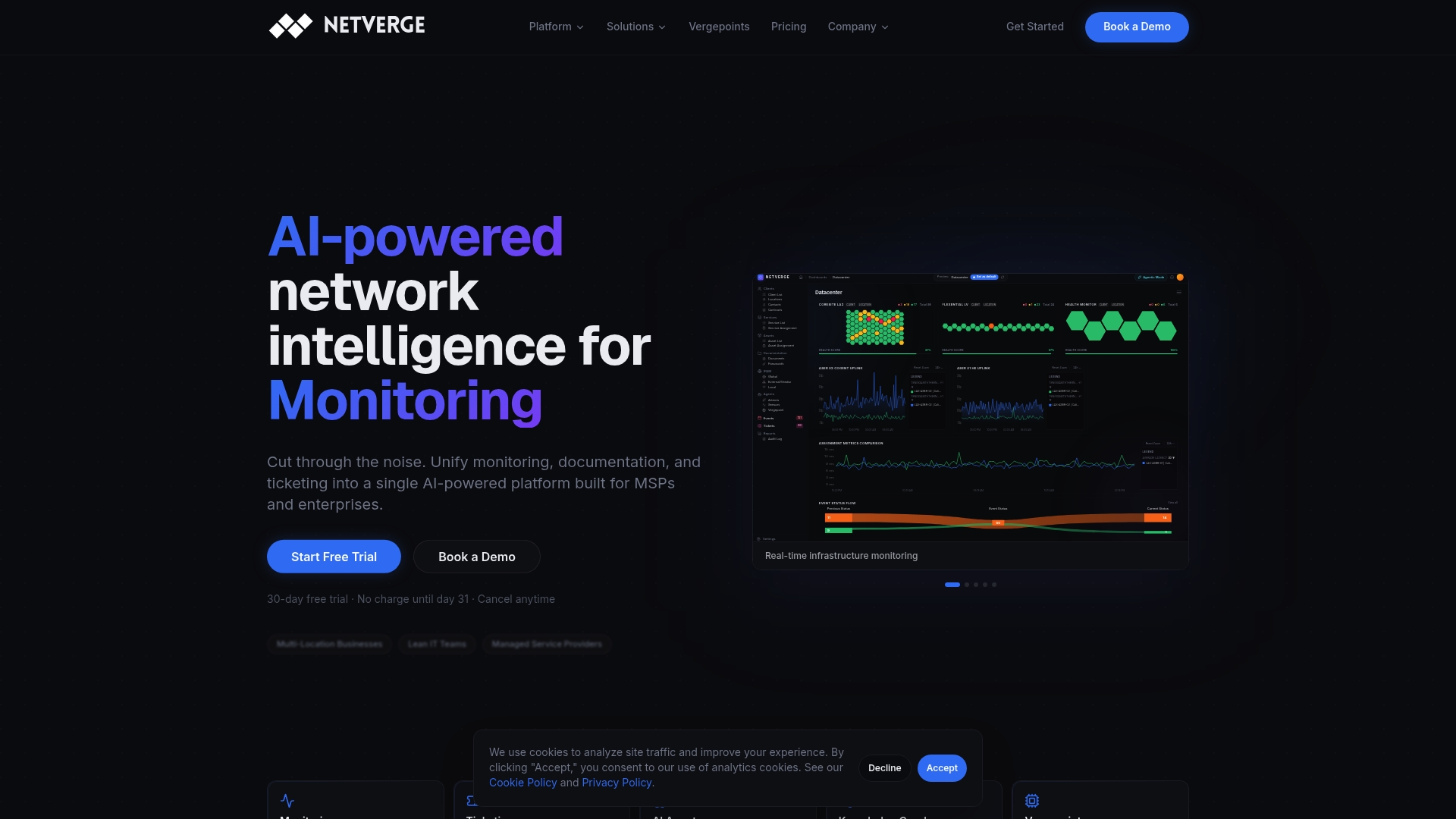
If you are moving toward network as code, you need a way to confirm the live network matches the repository. Netverge brings real-time monitoring, anomaly detection, network documentation, and AI-assisted ticketing into a single platform built for MSPs and multi-location enterprises.
Pricing is published. The Starter Package is $299 per month, and Vergepoints for on-site visibility are $49 per month per hardware device or $29 per month per software Vergepoint. Add-ons such as extra sensors, clients, sites, AI agents, and storage are listed on our pricing guide, and you can estimate your own cost with the pricing calculator. Ready to see it on your own network? Start your free trial or review how we handle security and trust.
FAQ
Is network as code the same as infrastructure as code?
Not quite. Infrastructure as code is the broader practice of defining infrastructure in files, covering servers, cloud resources, and more. Network as code applies it to network devices and connectivity, where vendor-specific syntax and the risk of cutting off your own access make testing and rollback especially important.
Do I need to replace my existing network automation?
No. Existing scripts and playbooks often become the deployment engine inside a network-as-code workflow. What changes is that they run from a repository, driven by declared data, with review and testing before anything reaches a device.
How do I handle emergency changes made on the console?
Allow them, but make them temporary. Record the change, alert on the drift, and require the fix to be committed back to the repository within a defined window, such as one business day. Without that rule, the repository gradually stops reflecting reality.
Is network as code only for large enterprises?
No. The pilot approach works for small teams, and the payoff grows with the number of sites or clients. MSPs and multi-site organizations tend to see the benefit soonest because one template can serve many locations.
Can network as code work with network monitoring?
Yes, and it should. Code defines the intended state, and monitoring verifies the actual state, flags drift, and shows the performance impact of each change. Our network monitoring trends article looks at where that combination is heading.
Sources
- Network Infrastructure as Code, ipSpace.net
- Network-as-Code Developer Portal
- The benefits of network infrastructure as code, TechTarget
- Infrastructure as Code, Kief Morris, Google Books
- Network as Code with GitOps
- Infrastructure as Code as a Leadership Discipline
- Securing and Embracing Infrastructure as Code, ISACA Journal