
When a critical outage hits, every second counts. The real problem for most IT managers and network administrators isn't a lack of alerts — it's an overwhelming flood of notifications where the genuinely urgent events get buried under low-priority noise. Mismanaged alerting creates two equally damaging outcomes: alert fatigue, where engineers start ignoring notifications, and missed incidents, where actual outages slip through undetected. This article breaks down the essential types of network alerts, clarifies their roles, and gives you a practical framework for building smarter, more actionable alert strategies across MSP and multi-site enterprise environments.
Table of Contents
- Core criteria for effective network alerting
- The main types of network alerts explained
- Comparing alert delivery and escalation methods
- Situational recommendations: Choosing the right alerts for your environment
- What most guides get wrong about network alerting
- Supercharge your network alerting with Netverge
- Frequently asked questions
Key Takeaways
| Point | Details |
|---|---|
| Define alert priorities | Classify alerts by true business impact, not just by technical triggers. |
| Use context-rich notifications | Detailed, actionable alert messages significantly reduce mean time to resolution. |
| Tune for noise reduction | Apply thresholds, sample windows, and filters to eliminate alert fatigue. |
| Match delivery to severity | Ensure each alert type uses the optimal delivery channel and escalation procedure. |
| Regularly refine alert policies | Frequently review your alert rules to keep them aligned with current network priorities. |
Core criteria for effective network alerting
Before you can configure alerts effectively, you need a clear framework for evaluating what "good" alerting actually looks like. Many teams treat monitoring and alerting as the same thing. They are not.
Monitoring means collecting all available metrics — bandwidth utilization, CPU load, packet loss, latency, device status, and more. Alerting means flagging only the events that require a human response. Conflating the two is where most teams go wrong. As best practices confirm, you should separate monitoring from alerting, use baselines built on 4 to 6 weeks of data, favor trend-based alerts over one-off threshold breaches, and prioritize by business impact rather than technical severity alone.
Understanding network monitoring vs alerting as distinct disciplines is the first step toward a cleaner, more actionable alert environment.
Here are the foundational criteria every effective alerting strategy must meet:
- Baseline-driven thresholds: Don't set static limits without historical context. Four to six weeks of telemetry data gives you a realistic picture of normal behavior before you define what "abnormal" means.
- Trend-based triggers: A single spike in CPU utilization at 95% may be routine during backup windows. A sustained 80% average over four hours is a genuine problem. Trend-based alerts catch the latter without drowning you in the former.
- Business impact alignment: A non-critical internal server going offline is technically an outage. A payment processing gateway going offline is a revenue emergency. Your alert priority must reflect business consequence, not just technical status.
- Noise reduction from the start: Every unnecessary alert trains your team to ignore notifications. Build filters and sample windows into your rules from day one, not as an afterthought.
- Actionability as a filter: If an alert doesn't tell you what to do next, it shouldn't be an alert at all. It belongs in a log.
"The goal of alerting isn't to capture everything — it's to surface only what requires action, at the right time, to the right person."
Pro Tip: Start your alerting review by auditing the last 30 days of notifications. If more than 20% were acknowledged and closed without any action taken, your thresholds are misconfigured and need immediate recalibration.
Pairing well-defined criteria with the right tooling matters too. Platforms that offer specialized network sensors can help you collect granular telemetry without generating unnecessary alert volume, because the sensors are purpose-built to distinguish signal from noise at the data collection layer.
The main types of network alerts explained
With clear criteria established, you can now map those criteria to specific alert categories. Network alerts generally fall into three tiers, each with a distinct role, trigger mechanism, and recommended delivery method.
Critical alerts
Critical alerts represent immediate threats to business operations. These fire when a system is down, a core network path has failed, a security breach is detected, or a service-level agreement (SLA) threshold has been crossed. The defining characteristic is that inaction causes measurable business harm within minutes.

Delivery for critical alerts should be multi-channel and immediate: SMS, phone calls, and push notifications to on-call engineers. These alerts must never sit in an email inbox waiting to be read during business hours.
Warning alerts
Warning alerts signal performance degradation or conditions that could escalate into critical incidents if left unaddressed. A switch port approaching 90% utilization, a server with memory usage trending upward over 48 hours, or a VPN tunnel with intermittent packet loss are all warning-level events.
These alerts are best delivered via email or dashboard notifications. They require attention but not immediate escalation. The key is that they give your team lead time to investigate and resolve before the situation becomes critical.
Informational alerts
Informational alerts are not action items. They are records. Configuration changes, scheduled maintenance completions, minor threshold crossings that self-resolved, and routine log entries all belong in this category. They support forensic analysis, compliance reporting, and post-mortem reviews.
Informational alerts should never interrupt your team. They belong in logs and dashboards, reviewed on a scheduled basis rather than in real time.
The table below summarizes how each alert type maps to its trigger, delivery method, and expected response:
| Alert type | Trigger example | Delivery method | Expected response time |
|---|---|---|---|
| Critical | Core router down, SLA breach | SMS, phone call, push notification | Immediate (under 5 minutes) |
| Warning | High CPU trend, packet loss spike | Email, dashboard notification | Within 1 to 4 hours |
| Informational | Config change logged, backup completed | Log entry, dashboard | Reviewed periodically |
Context-rich alert messages are essential across all three tiers. Multi-tier severity levels — critical for outages, warning for degradation, informational for log-only events — combined with context-rich messages can reduce mean time to resolution (MTTR) by 40 to 60%. An alert that reads "Interface down on core-sw-01, port Gi0/1, affecting 47 users in Building C" is far more actionable than "Interface down."
Alarms triggered when performance conditions persist over a sample window, using rules with thresholds and filters, significantly reduce noise across all three categories.
Pro Tip: For each alert template, include at minimum: the affected device, the specific metric and its current value, the threshold that was breached, the duration of the condition, and a direct link to the relevant dashboard or runbook. This single change can cut your average MTTR dramatically.
For environments with physical infrastructure spread across multiple sites, hardware-based alerts from purpose-built devices give you visibility that purely software-based monitoring often misses, particularly for local loop failures and on-premises hardware faults.
Comparing alert delivery and escalation methods
Knowing the alert types is only half the equation. How you deliver and escalate those alerts determines whether your team responds effectively or burns out from notification overload.
The principle is straightforward: delivery channel must match alert severity. Here is a structured breakdown of how that mapping should work in practice:
- Critical alerts: Trigger immediate multi-channel delivery. SMS and automated phone calls ensure the on-call engineer is reached even if they are away from their desk. If the primary contact does not acknowledge within five minutes, automated escalation should notify the secondary contact and the team lead simultaneously.
- Warning alerts: Route to email and monitoring dashboards. Set a defined acknowledgment window, typically one to four hours depending on business hours. If unacknowledged, auto-escalate to a critical-level notification.
- Informational alerts: Write to logs and aggregate in dashboards. No direct notification to individuals. Review these during scheduled operations meetings or as part of post-incident analysis.
- Escalation logic must be automated: Relying on manual escalation creates bottlenecks. If an engineer is on a call, traveling, or simply overwhelmed, manual escalation fails. Automated escalation rules eliminate that dependency entirely.
- Suppress duplicate alerts: When a single root cause triggers multiple downstream alerts, alert correlation logic should suppress the duplicates and surface a single, context-rich parent alert. Without this, a single router failure can generate hundreds of individual device alerts within seconds.
"Automated escalation isn't a nice-to-have. It's the difference between a five-minute response and a 45-minute incident that could have been caught immediately."
Multi-tier severity levels with matched delivery channels are what separate reactive firefighting from proactive operations management.
The following table maps severity to delivery and escalation timelines:
| Severity | Primary delivery | Escalation trigger | Escalation target |
|---|---|---|---|
| Critical | SMS + phone call | No acknowledgment in 5 min | Secondary on-call + team lead |
| Warning | Email + dashboard | No acknowledgment in 2 hours | On-call engineer via SMS |
| Informational | Log + dashboard | No escalation | Reviewed in scheduled meetings |
AI triage for outages takes this further by automatically correlating related alerts, identifying root causes, and routing the right context to the right team without requiring manual intervention at each step. Paired with structured event escalation tracking, you get full visibility into where every alert stands in the resolution lifecycle.
Situational recommendations: Choosing the right alerts for your environment
Delivery frameworks and alert categories are only useful when applied correctly to your specific operational context. MSPs managing dozens of client networks and enterprises running distributed multi-site infrastructure each have distinct requirements.
Here is a step-by-step approach for configuring alerts that fit your environment:
- Map alerts to business priorities first. Work with stakeholders to identify which systems are revenue-critical, compliance-sensitive, or operationally essential. These get critical-level thresholds. Everything else gets warning or informational treatment.
- Set sample windows for all threshold-based rules. Alarms triggered when conditions persist over a sample window, using rules with thresholds and filters, dramatically reduce false positives. A five-minute sample window for CPU alerts eliminates single-spike noise without delaying detection of genuine problems.
- Build severity-specific playbooks. Every critical alert should have a corresponding runbook that tells the responding engineer exactly what to check, what to do first, and when to escalate further. Warning alerts should have investigation checklists. Informational alerts should have a defined review schedule.
- Conduct post-mortem reviews after every major incident. Use the data from informational logs and warning alerts to identify what could have been caught earlier. Adjust thresholds and escalation rules based on what you learn.
- Review and refine alert policies quarterly. Networks change. Business priorities shift. An alert policy that was accurate six months ago may be generating noise or missing new risk areas today. Schedule quarterly reviews as a standing operational practice.
For MSPs specifically, combatting alert fatigue is a margin issue, not just an operational one. Engineers who are overwhelmed by notifications make mistakes, miss real incidents, and burn out faster. Tuning alert policies directly protects your team and your service quality.
For multi-site enterprises, applying cloud scalability best practices alongside on-premises alert configurations ensures your alerting strategy scales as your infrastructure grows, without requiring constant manual reconfiguration.
Pro Tip: Create a "noise audit" process as part of your quarterly review. Pull all alerts from the previous 90 days and calculate the ratio of actionable alerts to total alerts. If actionable alerts represent less than 50% of total volume, your filters and thresholds need significant adjustment.
What most guides get wrong about network alerting
Most alerting guides focus on coverage — making sure you have a sensor or rule for every possible failure mode. That instinct is understandable, but it is also the root cause of the alert fatigue problem that plagues most MSPs and enterprise IT teams.
The real issue is not missing alerts. It is missing context. An engineer who receives 300 alerts per shift and must manually triage each one will inevitably deprioritize notifications, even critical ones. The volume itself becomes the problem.
The best-practice guidance is clear: separate monitoring from alerting, use baselines built on real data, favor trend-based detection, and align severity to business impact rather than technical completeness. Most teams know this in theory. Very few apply it consistently in practice.
Here is what we consistently see in real-world deployments: teams that invest time in baseline development and business alignment during initial setup spend dramatically less time managing false positives and alert storms six months later. Teams that skip this step spend that time firefighting instead.
The uncomfortable truth is that a well-configured alerting system with 50 precisely tuned rules outperforms a poorly configured system with 500 rules every time. More rules do not mean better coverage. They mean more noise, more fatigue, and more risk of missing what actually matters.
Prioritizing avoiding alert fatigue pitfalls from the start is not a convenience — it is an operational necessity that directly affects your team's ability to respond when it counts most.
Supercharge your network alerting with Netverge
Putting these alert strategies into practice requires a platform that can handle the complexity without adding to it. Netverge is built specifically for MSPs and multi-site enterprises that need intelligent, actionable alerting without the overhead of managing fragmented tools.
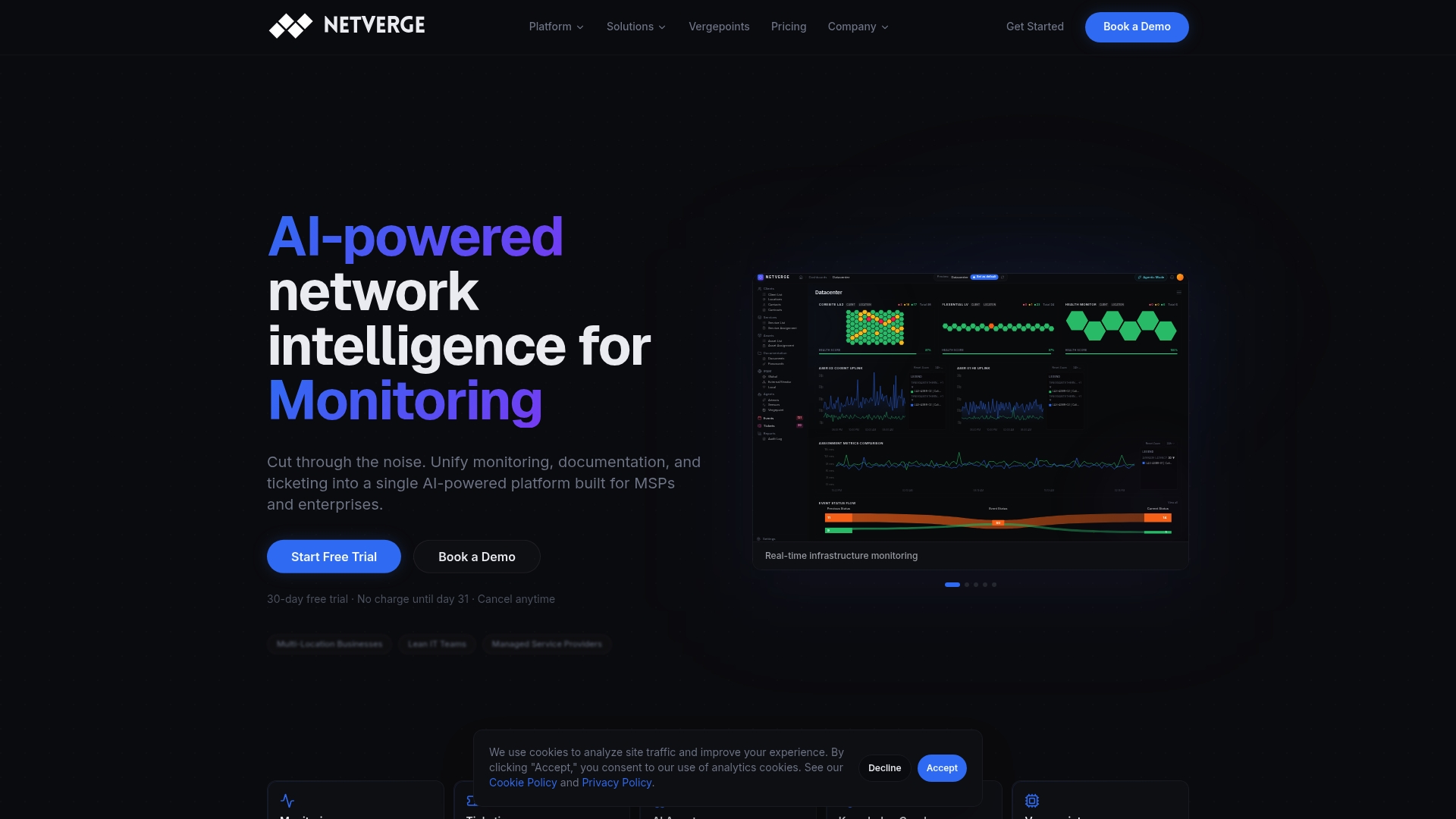
Netverge's AI-driven automated alert monitoring distinguishes actionable events from background noise in real time, applying correlation logic and business-context rules to surface only what your team needs to act on. The platform's hardware-driven observability through Vergepoints ensures you have physical-layer visibility across every site, not just software-level telemetry. From intelligent ticket triage to autonomous agent-driven diagnostics, Netverge reduces manual effort, shortens MTTR, and gives your team the clarity to respond with confidence. Request a demo today and see the difference a unified, AI-powered platform makes.
Frequently asked questions
What are the three main types of network alerts?
Network alerts are typically divided into critical, warning, and informational categories, each with distinct severity levels, delivery methods, and handling urgency that match the operational impact of the triggering event.
How do I reduce noise from false alerts in my network monitoring?
Use rules with thresholds and sample windows, combined with smart filters, so alerts only fire when a condition persists long enough to confirm it is a genuine issue rather than a transient spike.
Why is alert severity mapping important for operational efficiency?
Proper severity mapping routes responses to the right teams and delivery channels, and context-rich messages reduce MTTR by 40 to 60% by giving engineers the information they need to act immediately without additional investigation.
How often should alerting rules and thresholds be reviewed?
Alert rules should be reviewed quarterly and after every major incident to ensure thresholds remain aligned with current business priorities, network changes, and lessons learned from post-mortem analysis.