
Network automation is frequently misunderstood as basic scripting. In practice, what is network automation covers a much broader operational reality: software performing network tasks that would otherwise require manual execution, from device provisioning and configuration management to compliance checks and fault remediation. With 30% of enterprises automating more than half their network activities by 2026, this is no longer an advanced concept reserved for hyperscalers. This article covers the definition, core components, key benefits, real challenges, and practical implementation guidance every network administrator needs.
Table of Contents
- Key takeaways
- What network automation actually means
- Network automation advantages you can measure
- Common challenges in network automation adoption
- Practical implementation: from scripting to AI-driven platforms
- Top network automation tools and software
- My take on where network automation is heading
- See network automation in action with Netverge
- FAQ
Key takeaways
| Point | Details |
|---|---|
| Automation vs. orchestration | Automation handles individual tasks; orchestration coordinates those tasks into end-to-end service workflows. |
| Quantifiable efficiency gains | Early adopters report 20% better operational efficiency and 18% lower network operating expenses. |
| Skills gap is the top barrier | 46% of IT professionals cite lack of expertise as the biggest obstacle to Day 2 network automation. |
| Data quality determines success | Poor or outdated network documentation causes automation errors that propagate at scale across every device. |
| AI is the next frontier | 62% of IT organizations plan to use AI-driven management to raise automation levels beyond scripted workflows. |
What network automation actually means
At its core, network automation is the use of software to perform network management tasks that would otherwise be executed manually by an engineer. Those tasks include pushing configuration changes, collecting telemetry, running compliance audits, responding to alerts, and updating routing policies.
Network automation vs. network orchestration are two related but distinct concepts that get conflated constantly. Here is the practical difference:
| Concept | What it does | Example |
|---|---|---|
| Network automation | Executes a single defined task automatically | Push a VLAN config to 50 switches |
| Network orchestration | Coordinates multiple automated tasks into a full service workflow | Provision a new branch site including WAN, VLAN, and firewall rules |
Orchestration is the coordination layer above automation. You need both. Automation gives you the building blocks. Orchestration assembles those blocks into repeatable, end-to-end operational services.
The evolution of this space is significant. Early network automation meant Perl scripts and cron jobs running on a single box. Today, the role of automation in IT has shifted toward AI-driven workflows where the system does not just execute predefined commands but makes operational decisions based on telemetry, historical data, and learned patterns. That shift changes the governance and trust model entirely, which we will address in the challenges section.
Key functional areas where network automation applies:
- Configuration management: Automated deployment and version control of device configurations across routers, switches, and firewalls
- Network monitoring and alerting: Continuous telemetry collection with automated threshold-based or anomaly-based alerting
- Compliance enforcement: Automated auditing of device configurations against security and regulatory baselines
- Fault remediation: Auto-detection and self-healing responses to common failure patterns
- Provisioning: Automated onboarding of new devices and sites without manual CLI access
Network automation advantages you can measure
The network automation advantages are not theoretical. Early adopters see operational efficiency improve by 20% and network operating expenses drop by 18%. Those numbers hold up because automation removes the labor cost of repetitive, error-prone manual tasks and replaces it with consistent, auditable software execution.
Here is where the real value accumulates:
- Faster Mean Time to Repair (MTTR): Automated fault detection and remediation cuts the time between failure and resolution significantly. A misconfigured interface that might take an engineer 45 minutes to diagnose and fix can be detected and corrected in under 60 seconds with the right automation workflow.
- Reduced human error: Manual configuration changes are one of the leading causes of network outages. Automation enforces consistent, tested templates across every device in your environment.
- Scalability without proportional headcount growth: Managing 500 devices manually requires a large team. Automating provisioning, backups, and compliance checks means your team scales its impact without scaling its size.
- Cross-team collaboration: Shared automation assets allow NetOps and SecOps teams to work from the same workflows, enabling compliance logging, unified ticketing, and coordinated incident response.
- Audit trails: Every automated change is logged. That means faster root cause analysis and cleaner compliance reporting.
Pro Tip: Before you measure efficiency gains, establish a baseline. Track your current MTTR, change success rate, and hours spent on repetitive tasks for 30 days. Without that baseline, you will not be able to demonstrate the ROI of automation to leadership.
The role of network automation in reducing security exposure is also underappreciated. When configuration drift is caught and corrected automatically, your attack surface stays predictable. Manual environments drift constantly. Automated ones do not.

Common challenges in network automation adoption
Understanding the network automation advantages is one thing. Getting there is another. 46% of IT professionals identify lack of skills as their primary barrier to automating Day 2 operations. Beyond skills, 36% cite tool limitations and 32% point to data quality issues as significant obstacles.
Here are the most common pitfalls, in order of how often teams underestimate them:
- Poor data quality. Outdated network documentation is the silent killer of automation projects. If your source-of-truth data is wrong, automation will propagate those errors to every device it touches. Fix your documentation before you automate it.
- Ignoring idempotency. Idempotency ensures that running an automation script multiple times produces the same result without creating duplicate or conflicting configurations. Most teams learn this the hard way after an automation loop pushes redundant routes into production.
- Starting with complex workflows. Teams often try to automate their most painful, high-complexity processes first. This leads to failed projects and distrust of automation. Start with high-volume, low-risk tasks like configuration backups and device inventory collection.
- Tool sprawl. Using disconnected tools for scripting, monitoring, ticketing, and compliance creates gaps where automation falls short. Integration matters as much as functionality.
- Culture resistance. Treating infrastructure as code requires engineers to trust software to make network changes autonomously. That trust does not come automatically. It is built through transparent logging, staged rollouts, and clearly defined human override controls.
- Governance gaps. As automation moves from task execution to operational decision-making, organizations need defined policies about where machines operate autonomously and where humans must approve changes.
Pro Tip: Build a "trust ladder" for your automation workflows. Define exactly which actions run fully autonomously, which require one-click human approval, and which always need a change window review. This makes governance explicit and builds team confidence faster than any training program.
Practical implementation: from scripting to AI-driven platforms
Implementing network automation is not a single project. It is a progression. Here is how most teams move through it, and where the key features of modern platforms make the later stages achievable.
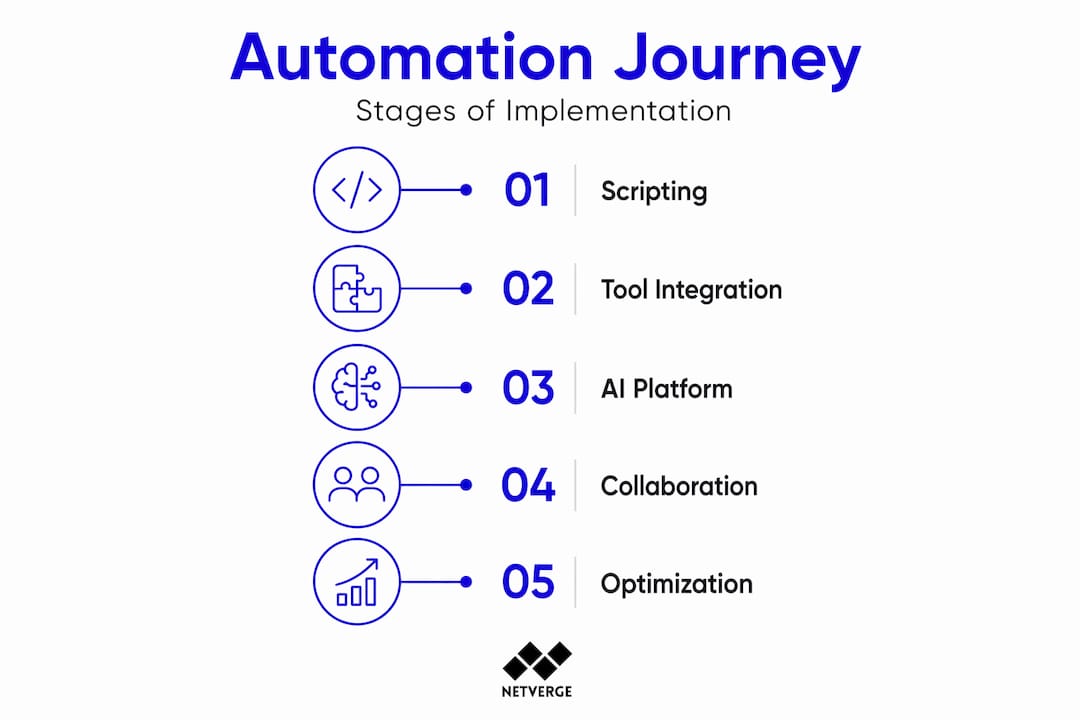
The progression typically looks like this:
| Stage | Approach | Example |
|---|---|---|
| Stage 1: Scripting | Python, Ansible, or Bash scripts for single tasks | Automated daily config backups |
| Stage 2: Tool-based automation | Dedicated network automation software with APIs and templates | Policy-based VLAN provisioning |
| Stage 3: Orchestration platforms | Service orchestration and automation platforms (SOAPs) coordinating cross-domain workflows | End-to-end branch site provisioning |
| Stage 4: AI-driven operations | AI agents diagnosing, deciding, and remediating without human input | Anomaly detection with automated rollback |
The highest-value automation targets are repetitive, error-prone tasks like device provisioning, configuration backups, and compliance checks. These are also the safest places to start because failure modes are well understood and recovery is straightforward.
For teams building reusable automation assets, focus on these best practices:
- Design workflows to be modular. A provisioning workflow should call reusable sub-tasks for VLAN setup, firewall rules, and DNS registration, not embed all logic in a single script.
- Use version control for all automation code. Treat your network configs and scripts the same way your software team treats application code.
- Monitor your automation. Track workflow execution rates, failure rates, and the specific tasks that fail most often. Automation that runs silently in the background is automation you cannot improve.
- Build rollback into every workflow from day one. A workflow that cannot undo its own changes is a liability in production.
For network performance management workflows at scale, cross-team collaboration between NetOps and SecOps is not optional. Shared automation assets, unified dashboards, and common telemetry sources reduce duplicate effort and close the gaps where security incidents hide.
Top network automation tools and software
AI-driven automation platforms are becoming the standard for serious network operations teams, with 62% of IT organizations planning to adopt AI-driven management capabilities. When evaluating the best network automation software for your environment, match tool capabilities to your operational maturity and the specific problems you are solving.
| Tool category | Core function | Best for |
|---|---|---|
| Configuration management | Push, audit, and version-control device configs | Teams managing heterogeneous device fleets |
| Network monitoring platforms | Telemetry collection, anomaly detection, alerting | Operations teams needing real-time visibility |
| Orchestration platforms (SOAPs) | Cross-domain workflow coordination | Enterprise teams running multi-system workflows |
| AI-powered management suites | Autonomous diagnosis, remediation, and reporting | MSPs and enterprises managing distributed sites |
Key selection criteria for network automation tools for business owners and IT teams:
- API coverage: Does the tool integrate with your existing infrastructure via standard APIs (REST, NETCONF, YANG)?
- Vendor support: Does it support the mix of vendors in your environment, or is it locked to one ecosystem?
- AI capabilities: Does the platform learn from your environment, or does it only execute static scripts?
- Scalability: Can it manage hundreds or thousands of devices without architectural rework?
- Audit logging: Does it maintain a full, tamper-evident record of every automated action?
The strongest network automation solutions for enterprises combine monitoring, ticketing, documentation, and automation in a single interface. Fragmented toolsets create visibility gaps that defeat the purpose of automation entirely. For a broader view of where AI is reshaping network operations, the 2026 trends are worth reviewing before you finalize your tool selection.
My take on where network automation is heading
I have watched teams go through automation projects for years, and the pattern is consistent. The early wins are real. Backups run on schedule. Configs stay consistent. MTTR drops. Leadership gets excited. Then the project stalls.
What I have found is that most teams stop at task automation and never build the orchestration layer that makes automation genuinely transformative. Automation has moved from executing deterministic scripts to enabling machines to make operational decisions. That shift is where most organizations are not ready.
The technical gaps are fixable. Skills can be learned. Tools can be purchased. What I have seen consistently underestimated is the governance and cultural work. When a machine makes a bad call and takes down a segment of your network, who is accountable? How was that decision logged? Who approved the trust boundary that allowed the machine to act autonomously in that context? These questions need answers before incidents occur, not after.
My honest take: the teams getting the most value from automation are the ones who have built explicit trust models, invested in data quality as a prerequisite rather than an afterthought, and created genuine collaboration between their network and security teams. Automation without those foundations is just faster failure.
— Jim
See network automation in action with Netverge
If the concepts in this article reflect challenges your team is actively working through, Netverge is built to address them directly.
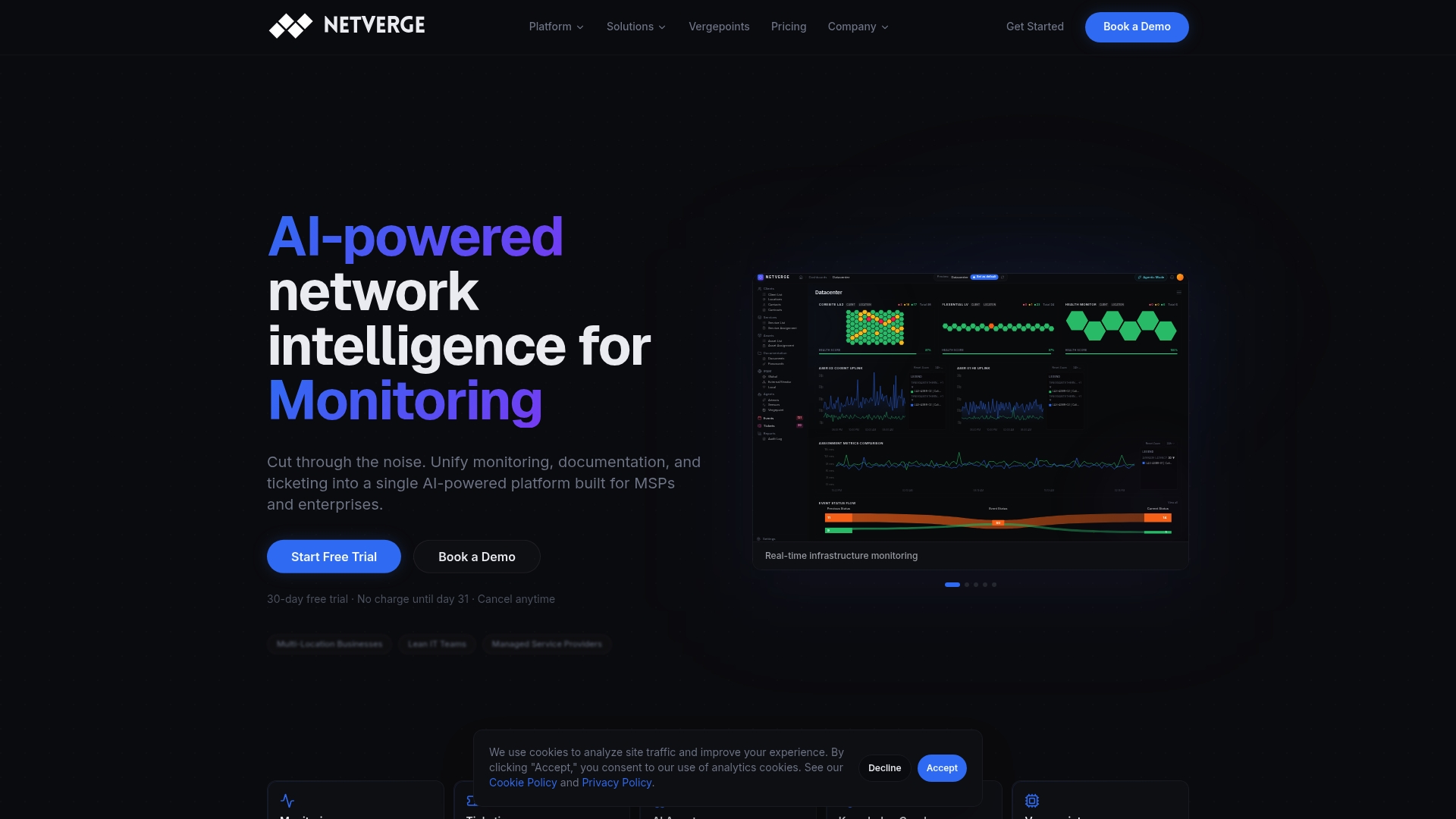
Netverge unifies AI-powered network monitoring, automated troubleshooting, intelligent ticket triage, and real-time documentation into a single platform. For MSPs and multi-location enterprises, that means no more fragmented tools and no more visibility gaps. AI agents monitor your infrastructure continuously, detect anomalies, and resolve common issues without waiting for a human to open a ticket. The result is faster MTTR, lower operational costs, and a team that spends its time on high-value work rather than repetitive diagnostics.
Explore enterprise automation capabilities or review transparent pricing plans to find the right fit for your environment.
FAQ
What is network automation in simple terms?
Network automation is software performing network management tasks, such as configuration changes, compliance checks, and fault remediation, instead of an engineer doing them manually. It reduces human error and speeds up operations across distributed infrastructure.
What is the difference between network automation and orchestration?
Network automation executes a single defined task automatically, such as pushing a configuration to a device. Orchestration coordinates multiple automated tasks into a full end-to-end workflow, such as provisioning an entire branch site.
What are the biggest barriers to network automation adoption?
46% of IT professionals cite lack of skills as the top barrier. Tool limitations and poor data quality are the next most common obstacles, affecting 36% and 32% of teams respectively.
What tasks should you automate first in network operations?
Start with high-volume, low-risk tasks such as configuration backups, device inventory collection, and compliance audits. These deliver fast ROI with manageable failure risk and build team confidence in automation workflows.
How does AI change the role of network automation?
62% of IT organizations plan to use AI-driven management to raise automation beyond scripted tasks. AI enables platforms to detect anomalies, diagnose root causes, and remediate issues autonomously without predefined scripts.