
Network documentation is defined as the systematic recording of all physical and logical components, configurations, and relationships that make up an IT network. This practice gives IT teams a dependable source of truth for troubleshooting, security audits, and infrastructure changes. Tools like NetBox, Lucidchart, and Bitwarden each play a role in building and securing these records. When documentation is current and well-structured, teams resolve incidents faster, pass compliance audits with confidence, and onboard new staff without losing critical operational knowledge.
What is network documentation and what does it include?
Network documentation is a comprehensive record covering every physical and logical detail of your infrastructure. It captures the devices on your network, how they connect, how they are configured, and how those configurations have changed over time. Without it, your team is working from memory during the worst possible moments.

The term "network asset documentation" refers specifically to the inventory layer of this practice. It catalogs hardware such as switches, routers, firewalls, and servers alongside their physical locations, serial numbers, and ownership. Asset documentation is one component of the broader network documentation system, which also includes logical architecture, security policies, and operational procedures.
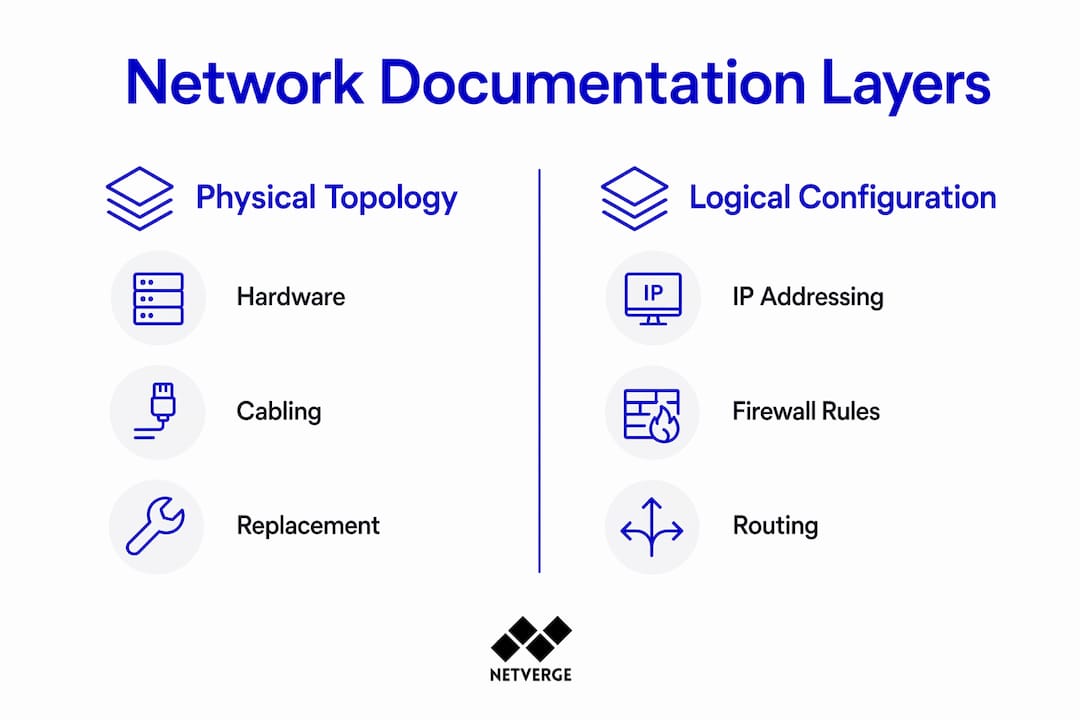
A complete network documentation system covers six core areas:
- Physical topology: Device locations, rack layouts, cabling runs, and port assignments
- Logical topology: VLANs, subnets, routing tables, and security zones
- IP address management (IPAM): Structured address allocation, naming conventions, and DNS records
- Configuration backups: Device configs stored with version control and change annotations
- Change management logs: Records of who changed what, when, and why
- Security documentation: Firewall rules, VPN configurations, and access credentials
The following table shows how each layer serves a different operational purpose:
| Documentation layer | Primary use case |
|---|---|
| Physical topology | Hardware replacement and cabling troubleshooting |
| Logical topology | Fault isolation and traffic analysis |
| IPAM | Address conflict resolution and subnet planning |
| Configuration backups | Disaster recovery and change rollback |
| Change logs | Audit trails and incident root cause analysis |
| Security records | Compliance reporting and access reviews |
Why network documentation matters for IT operations
Documentation is the foundation for understanding network assets, connections, dependencies, and access rights. Teams that maintain current records resolve incidents faster because they are not reconstructing the environment from scratch during an outage. That speed difference is the difference between a 15-minute fix and a 4-hour war room.
Neglecting network documentation creates compounding risk across audits, migrations, and staff transitions. When a senior network engineer leaves, undocumented knowledge leaves with them. This is the "bus factor" in practice: if only one person understands how a critical segment is configured, the organization is one resignation away from a serious operational gap.
The strategic value of documentation extends well beyond troubleshooting:
- Security audits: Documented firewall rules and access controls give auditors a clear picture and reduce investigation time during incidents
- Compliance: Frameworks like SOC 2, ISO 27001, and HIPAA require evidence of access controls and change management
- Capacity planning: Accurate topology records reveal bottlenecks before they cause failures
- Staff onboarding: New engineers reach productivity faster when they can read a network rather than reverse-engineer it
"Network documentation is not a chore. It is strategic insurance that ensures continuity and control when your team, your tools, or your infrastructure changes." — IT leaders on documentation value
Effective documentation converts emergency guesswork into repeatable checklists. That shift alone reduces mean time to resolution and lowers the stress load on your team during incidents.
How to create network documentation that actually stays current
Most documentation efforts fail not at creation but at maintenance. Teams build a thorough record during a project, then let it drift for 18 months until it no longer reflects reality. The fix is treating documentation as a living system with assigned ownership, not a deliverable with a completion date.
Follow these steps to build documentation that holds up over time:
- Assign an owner. Every documentation artifact needs a named owner responsible for accuracy. Without ownership, updates fall through the cracks.
- Choose the right tools. NetBox handles topology and IPAM well. Lucidchart works for visual diagrams. Use tools your team will actually open.
- Automate discovery where possible. Network scanning tools can populate device inventories automatically, reducing manual entry errors.
- Version-control your configuration backups. Annotated configuration backups let teams identify why a change was made and roll back cleanly if needed.
- Secure credentials properly. Administrative credentials must never be stored in plain text files. Bitwarden and 1Password both provide encrypted, team-accessible credential vaults with audit logs.
- Schedule regular reviews. Without annual review cycles, documentation becomes outdated within months. Quarterly reviews for active environments are a stronger standard.
- Integrate documentation with your change management process. Every approved change ticket should trigger a documentation update before the ticket closes.
Pro Tip: Link your change management system directly to your documentation platform. When a ticket closes, the engineer who made the change should update the relevant diagram or config record before the ticket is marked resolved. This keeps documentation current without adding a separate workflow.
Securing the documentation itself matters as much as creating it. Sensitive records like firewall rule sets and VPN credentials require role-based access controls. Not every team member needs read access to every document.
Manual vs. automated network documentation: which approach works better?
Manual documentation gives teams full control over what gets recorded and how it is organized. An experienced engineer can add context, flag anomalies, and capture intent that automated tools miss. The trade-off is accuracy over time. Manual records drift as networks change, and the gap between the documented state and the actual state widens with every undocumented change.
Automated documentation tools improve accuracy by continuously discovering devices and detecting configuration changes in real time. Integration between monitoring platforms and documentation systems means that when a new device appears on the network, it gets logged automatically. That removes a class of human error entirely.
| Approach | Strengths | Limitations |
|---|---|---|
| Manual | Captures intent and context; flexible structure | Drifts quickly; depends on engineer discipline |
| Automated | Always current; reduces human error | May miss undocumented legacy devices; requires setup |
| Hybrid | Combines accuracy with context | Requires clear process ownership to avoid duplication |
The hybrid approach is the most practical for most IT teams. Automated discovery handles the inventory and change detection layer. Engineers add context, runbooks, and security documentation manually. Separating physical and logical topology layers in this hybrid model helps teams quickly isolate where a fault occurred without sorting through irrelevant records.
For MSPs managing distributed client networks, automation is not optional. The volume of devices and change events across multiple environments makes manual tracking impractical. Platforms that integrate monitoring with documentation give MSPs a single view of infrastructure state across all client sites.
Key Takeaways
Effective network documentation is the single most reliable way to reduce incident response time, pass security audits, and protect operational continuity when staff or infrastructure changes.
| Point | Details |
|---|---|
| Define the scope first | Document physical topology, logical topology, IPAM, configs, change logs, and security records. |
| Assign clear ownership | Every documentation artifact needs a named owner to stay current and accurate. |
| Secure credentials properly | Use Bitwarden or 1Password instead of plain text files for all administrative credentials. |
| Automate discovery | Automated tools detect device and configuration changes in real time, reducing manual drift. |
| Review on a schedule | Quarterly reviews for active environments prevent documentation from becoming obsolete. |
Why I think most teams document too late
Most IT teams treat network documentation as something they will get to after the next project wraps up. I have seen this pattern repeat across organizations of every size. The documentation effort starts after an outage, after a staff departure, or after a failed audit. By then, the cost of catching up is far higher than the cost of staying current would have been.
The "bus factor" insight is the most underappreciated risk in IT operations. When one engineer holds the mental map of a critical network segment, that knowledge is one resignation or sick leave away from being inaccessible. I have watched teams spend days reconstructing configurations that should have been documented in hours. The time lost is never recovered.
The other mistake I see consistently is treating documentation as a project rather than a process. Teams produce a thorough set of diagrams and records, declare success, and move on. Six months later, those records no longer reflect reality. Documentation only has value when it matches the current state of the network. That requires a process, not a deliverable.
The teams that get this right share one habit: they tie documentation updates directly to their change management workflow. No ticket closes without a corresponding documentation update. It adds minutes to each change. It saves hours during every incident.
— Jim
How Netverge supports your network documentation workflow
Keeping documentation current across distributed environments is where most teams struggle. Netverge addresses this directly by combining AI-powered network monitoring with real-time infrastructure visibility, so your documentation reflects the actual state of your network rather than a snapshot from six months ago.
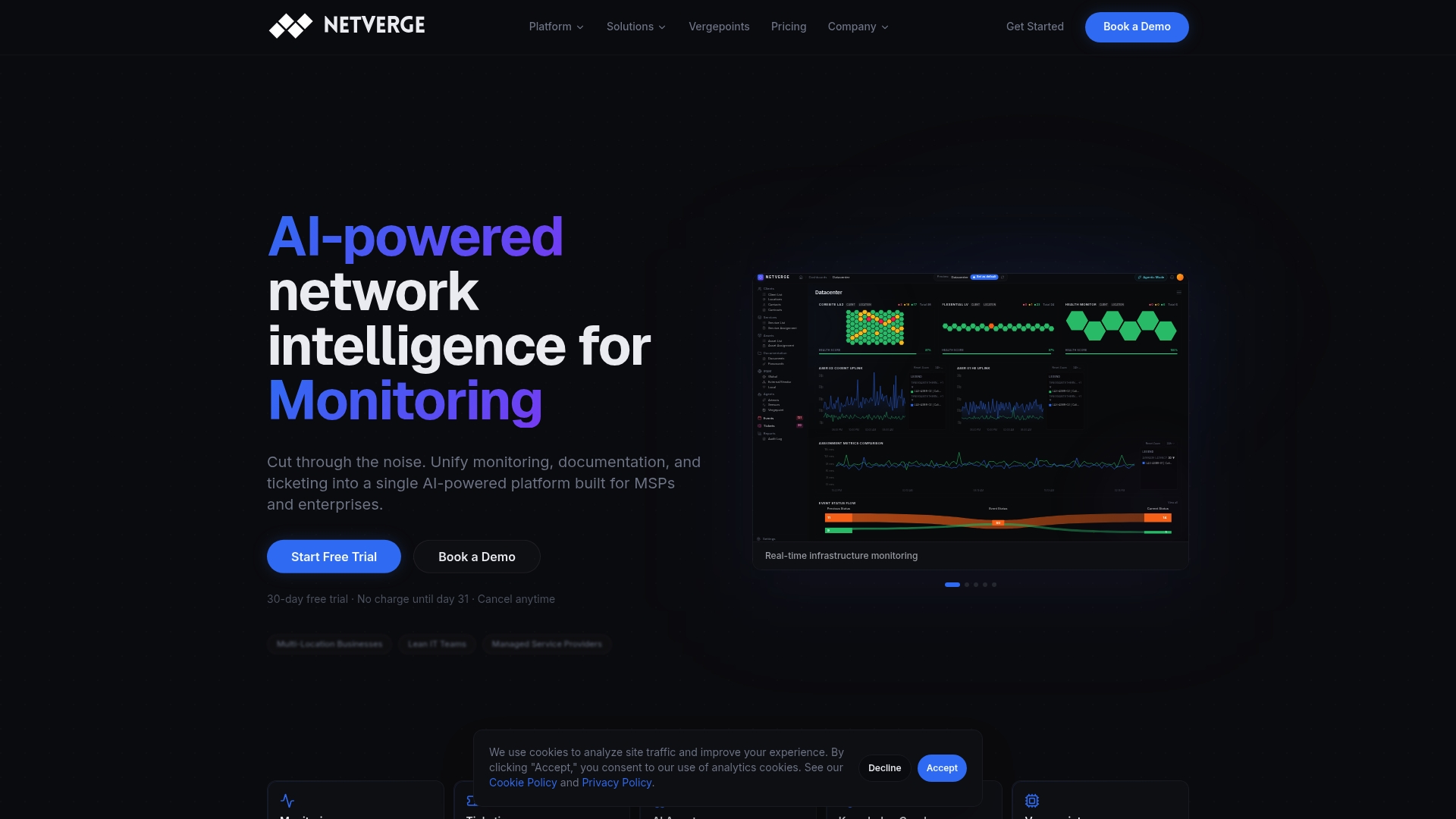
Netverge's platform integrates automated device discovery, anomaly detection, and knowledge graphs into a single interface. When a device changes state or a new asset appears, the platform captures it immediately. For MSPs and multi-location enterprises, this means documentation stays accurate without requiring a manual audit after every change. Teams using Netverge can connect monitoring telemetry directly to their documentation workflows, reducing the gap between what is deployed and what is recorded. Request a demo at netverge.com to see how the platform fits your infrastructure.
FAQ
What is network documentation in simple terms?
Network documentation is a structured record of all devices, configurations, connections, and policies that make up your IT network. It gives your team a reliable reference for troubleshooting, audits, and infrastructure changes.
What should be included in network documentation?
A complete record includes physical and logical topology diagrams, IP address management data, configuration backups, change logs, security policies, and credential management records.
How often should network documentation be updated?
Active environments should be reviewed at least quarterly. Every approved network change should also trigger an immediate documentation update before the associated change ticket closes.
What tools are used for network documentation?
NetBox is widely used for topology and IPAM. Lucidchart handles visual diagrams. Bitwarden and 1Password manage credentials securely. Automated discovery tools integrated with monitoring platforms keep device inventories current in real time.
Why does network documentation matter for security?
Strong network documentation enables audit readiness and faster security incident investigations by giving teams a clear record of access rights, firewall rules, and configuration history. Compliance frameworks including SOC 2 and ISO 27001 require this level of documentation as evidence of control.