Intelligent Ticket Routing for MSPs and Multi-Site IT Teams
Published
- ticket routing automation
- intelligent ticket routing
- automated ticket routing

Intelligent ticket routing uses AI to read each incoming ticket, work out what it is about and how urgent it is, and send it to the queue or engineer best placed to fix it. Basic automated routing follows fixed rules, such as a keyword or a form field. Intelligent routing reads meaning, then checks context before it assigns. For MSPs and multi-site IT teams, the context that matters most is the state of the network itself: which site, which device, which alert fired a minute earlier. That is why we built AI-powered ticketing into the same Netverge platform that monitors the infrastructure.
This guide covers how routing works, where it goes wrong, how to roll it out safely, and which numbers show whether it is working.
TL;DR
- Intelligent routing classifies, prioritizes and assigns tickets based on meaning and context, not only keywords. Rule-based routing alone breaks down as services, sites and clients multiply.
- Misrouting is expensive: in a 2026 benchmark of 1.77 million employee responses, tickets reassigned two or more times were 13.3% of volume and caused disproportionate lost time.
- Reliable routing needs a clean queue taxonomy, confidence scoring, deterministic rules for hard constraints, a human fallback and a shadow-mode launch.
- Network tickets route better when monitoring data, documentation and ticketing share one system. Netverge is built that way.
- Track reassignment rate, first-contact resolution and time to first touch per category, and review them every quarter.
Table of Contents
- What intelligent ticket routing actually does
- Why misrouting costs more than it looks
- How routing automation classifies, prioritizes and assigns
- What data you need before you automate
- A practical rollout in six steps
- Routing network tickets: what changes
- Comparing the three approaches
- Measuring whether routing works
- Where Netverge fits
- FAQ
- Sources
What intelligent ticket routing actually does
Routing answers one question for every ticket: who should work on this, and how soon? In a small team, a dispatcher answers it by eye. At MSP scale, with hundreds of clients and thousands of sites, that dispatcher becomes a bottleneck.
There are three layers of routing, and most teams run more than one:
- Manual routing. A person reads each ticket and assigns it. Accurate when the person knows the environment, slow and unscalable otherwise.
- Rule-based routing. Fixed conditions send tickets to queues: subject contains "VPN", client equals X, category equals Y. Predictable and easy to audit, but every new situation needs a new rule. A rule that fires on "billing issue" will miss "I've been charged twice," as G2's routing guide points out. The same gap shows up on a service desk: a rule for "internet down" misses "nobody at the Dallas office can reach the ERP."
- Intelligent routing. A trained model classifies the ticket by topic and intent, estimates urgency, and recommends a queue or engineer. It copes with wording it has not seen before and with multi-issue tickets, and it can attach a confidence score to each decision.
In practice the layers are combined. Deterministic rules protect hard constraints, such as contractual response tiers, language, security-sensitive clients or on-call schedules. AI handles the free-text part, which is where rules fail. If you are new to the underlying process, our explainer on ticket triage covers the steps that routing automates.
Why misrouting costs more than it looks
A misrouted ticket is not just a delay. It is a handoff, then another handoff, and each one restarts the clock while the user waits.
The Global IT Benchmark 2026, built on 1.77 million employee experience responses from more than 130 countries, found that tickets with two or more reassignments make up 13.3% of ticket volume but are where lost time and employee frustration accelerate most. It also found that a ticket handled by five teams costs the employee 8.5 more working hours than one resolved on first contact: 635 minutes against a 127-minute baseline.

Gartner's ITSM research on triaging tickets with AI states that manual triage consumes capacity and delays resolution, and that both machine learning and generative AI can help, with the right choice depending on ticket conditions.
For network operations the penalty is sharper. A ticket about packet loss, a failed tunnel or a dead access point is usually a symptom of something the monitoring system already knows about. When the ticket lands in a general queue, an engineer starts by asking questions that the telemetry could have answered. Multi-site and multi-tenant environments multiply the problem: the same symptom means different things at a branch with a single ISP link and at a data center with redundant paths.
How routing automation classifies, prioritizes and assigns
Almost every routing pipeline follows the same sequence, whether built in-house or bought.
- Ingest. The ticket arrives by email, portal, chat, phone transcript or a monitoring alert.
- Read intent and urgency. The model extracts what the requester wants and how severe it appears. A Rochester Institute of Technology thesis on machine-learning prioritization of IT tickets shows the basic idea: urgency is scored from ticket text, with words like "urgent" pushing priority up and words like "minor" pushing it down. Production systems go further than keywords, but the principle is the same.
- Classify and tag. The ticket gets a category, a service and, ideally, a client and site.
- Check confidence. The system compares its confidence to a threshold.
- Route. High-confidence tickets go to the right queue or engineer. Low-confidence tickets go to a human triage queue with the model's best guess attached.
- Escalate when needed. Priority and contract terms decide who is notified and when.
The confidence check is the step most buyers underestimate. A model that is wrong and sure of itself does more damage than a model that says "I don't know." The design goal is a system that abstains on uncertain tickets and lets a person decide.
IBM has published a deployment of an NLP-based ticket router in AI Magazine. It directs more than one million live client tickets a year to service personnel across 67 support missions. The authors describe a central machine learning team, common processes and metrics, and continuous monitoring for routing drift. The lesson for smaller teams is that the model is only part of the work: ownership, measurement and monitoring decide whether it keeps working.
What data you need before you automate
Routing quality is limited by the data behind it. Before you switch anything on, prepare these inputs.
A clean taxonomy with owners
Every category needs a named queue and an owner. If two categories overlap ("network" and "connectivity"), the model will split them inconsistently and so will your engineers. Keep the list short, define each category in a sentence, and version it so changes are traceable.
Historical tickets labeled by where they ended up
Train and test on the queue where each ticket was finally resolved, not the queue where it first landed. Initial assignments contain the very mistakes you are trying to remove. Remove duplicates, test tickets and auto-generated noise first.
Context beyond the ticket text
The text alone is thin. Useful enrichment includes:
- Client, site and contract tier
- The affected asset or device and its configuration
- Recent tickets from the same site
- Open incidents and active alerts
This is the biggest advantage of running ticketing next to monitoring. When the asset, the alert history and the documentation sit in one system, enrichment is not an integration project. In Netverge, monitoring, ticketing, documentation and automation are unified on one platform, with a knowledge graph that connects network data. The ticketing module uses AI for triage on top of that.
Rules for hard constraints
Write deterministic rules for anything that must never depend on a model's guess: premium-tier clients, regulated environments, after-hours on-call paths, and sites with specific escalation requirements. A documented escalation matrix is the source for these rules.
Least-privilege access
The integration that creates and updates tickets should have its own identity, with permission to update routing fields and read only what it needs. Multi-tenant platforms with role-based access make this easier to enforce, since each client's data stays within its own boundaries.
A practical rollout in six steps
This sequence applies whether you build your own pipeline or adopt a platform.
- Baseline your current routing. Measure the reassignment rate, time to first touch and first-contact resolution per category for the last 90 days. Without a baseline you cannot show improvement.
- Fix the taxonomy. Merge overlapping categories, assign an owner to each queue and write a one-line definition for each.
- Define the hard rules. List the constraints routing must always respect and encode them as deterministic rules that run before and after the AI step.
- Choose a confidence threshold. Set it on held-out data, not on a hunch, and decide what happens below it: a human triage queue is the standard answer. Keep the cost of a wrong route in mind. A wrong automatic route costs more than a human triage step, so the threshold should reflect that.
- Run in shadow mode. Let the system recommend routes while people keep assigning. Compare its picks with the final resolving queues, category by category. Overall accuracy can hide a weak category, such as security or WAN tickets, that you will want to keep manual.
- Go live by category. Turn on automatic routing for categories where shadow results are strong. Keep a human approval step for high-impact or ambiguous tickets, and keep an audit log of every automated decision.
The same approach applies when routing is extended into actions. If an AI agent proposes a remediation after routing, such as restarting a service or changing a configuration, define in advance which actions need explicit human approval and which are safe to run unattended. Start with read-only diagnosis and widen scope as the track record builds.
Routing network tickets: what changes
General-purpose support routing is built around customer service. Network and infrastructure tickets have different needs.
Symptoms point to shared causes. Ten tickets from one site in five minutes are probably one incident. Routing that sees monitoring data can group them under one parent instead of sending ten tickets to ten engineers.
Location matters. Distributed infrastructure means the right engineer depends on the site, the circuit provider and the device vendor, not just the topic.
Diagnosis can start before assignment. When a ticket arrives with the relevant device state, recent changes and alert history attached, the person who receives it starts at diagnosis rather than discovery. Netverge's autonomous AI agents are designed to diagnose and resolve issues, and its AI triage is described in more detail in our post on how AI triage changes network outage handling.
Alert noise is a routing problem. If every alert becomes a ticket, queues fill with duplicates. Correlating alerts before they become tickets keeps routing accuracy up and the backlog down. Our guide to reducing ticket backlog goes through the process.

Vergepoints add on-site visibility. For sites where you have no other view of the local network, Vergepoints provide edge visibility, so tickets from remote locations arrive with data from the site itself. See the Vergepoints page for the hardware and virtual options.
Comparing the three approaches
| Approach | Strength | Weakness | Best used for |
|---|---|---|---|
| Manual dispatch | Deep knowledge of the environment | Does not scale, depends on individuals | Small teams, sensitive escalations |
| Rule-based routing | Transparent and predictable | Brittle; needs a new rule for each new case | Contract tiers, language, on-call paths |
| AI-assisted routing with confidence fallback | Handles new wording and multi-issue tickets | Needs data, monitoring and periodic review | Free-text tickets at volume |
Most mature teams run the third row on top of the second, with the first reserved for exceptions.
Measuring whether routing works
Track a small set of metrics, by category and by client, not only in aggregate.
- Reassignment rate. The share of tickets moved after first assignment. This is the most direct measure of routing quality. The benchmark above shows why: tickets with two or more reassignments are the ones that hurt most.
- Time to first touch. How long before a qualified engineer acts.
- First-contact resolution. Whether the first assignee solves it.
- Human triage rate. The share of tickets falling below the confidence threshold. A falling rate with stable accuracy means the system is learning your environment. A falling rate with rising reassignments means the threshold is too low.
- Mean time to resolve. The downstream result; see our 90-day MTTR plan.
Treat vendor accuracy claims with care and test on your own tickets. Published figures for routing accuracy vary widely by data set and ticket type, so your own shadow-mode numbers are the ones to trust.
Schedule a review at least quarterly. Routing goes stale as services, clients and staff change, and the failure is silent: tickets still get assigned, only to the wrong place. A practitioner quoted in G2's guide recommends a quarterly look at routing accuracy and reassignment rates for this reason. For a checklist of the surrounding process, use our network ticketing workflow checklist.
Where Netverge fits
Netverge unifies network monitoring, documentation, ticketing and automation in one platform, aimed at MSPs and multi-location enterprises. For routing, that means the ticket, the device, the site documentation and the live telemetry are in the same place, and AI triage works from that shared context. Multi-tenant management and role-based access keep each client's data separated.
Pricing is published. The Starter Package is $299 per month (pricing). Hardware Vergepoints are $49 per month per device and Software Vergepoints are $29 per month per Vergepoint. Add-ons include 100 additional sites for $100 per month, 100 additional clients for $100 per month and 10 additional AI agents for $100 per month (pricing guide). To size a deployment, use the pricing calculator.
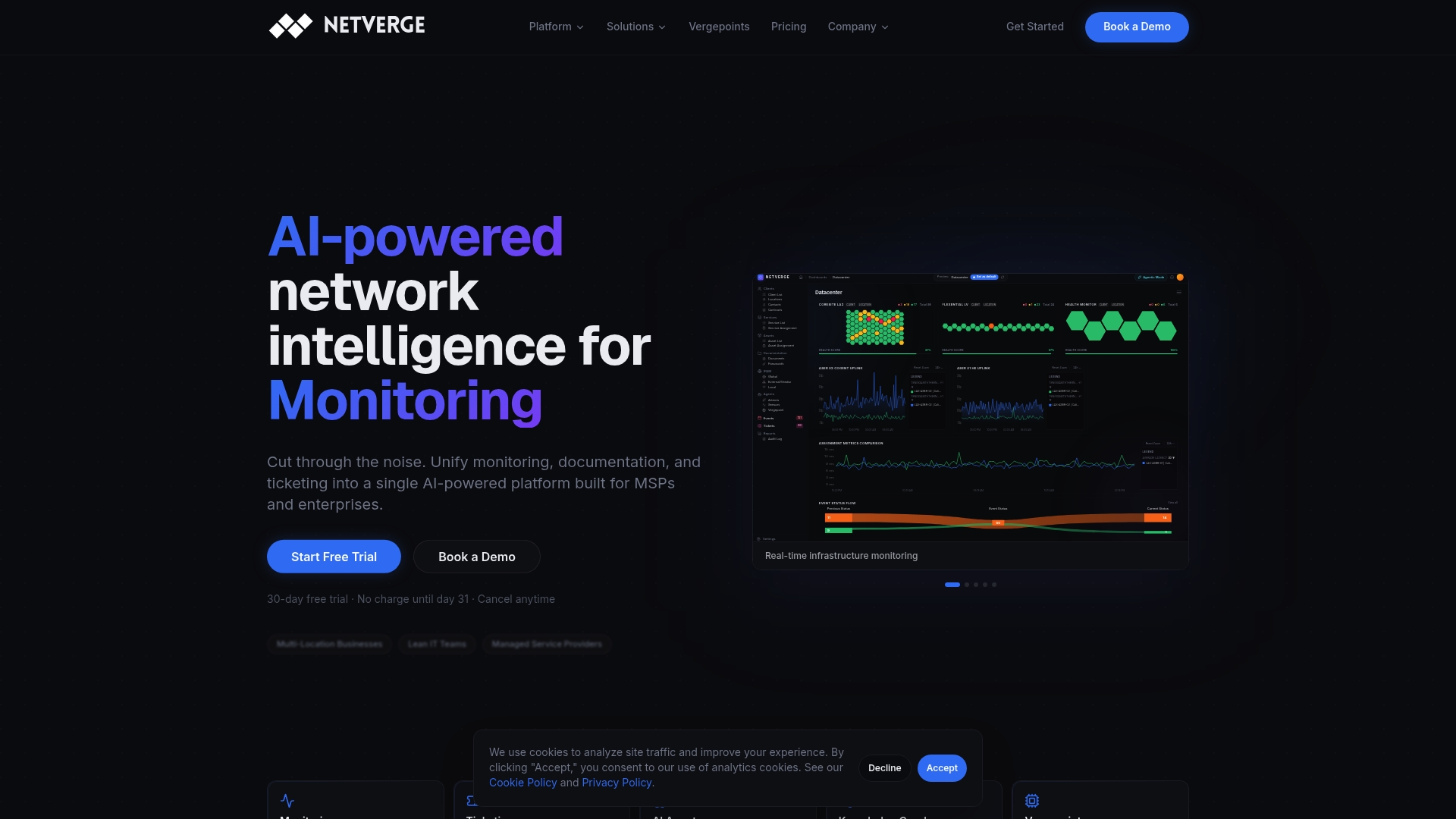
If your queues are full of reassigned tickets, the next step is to see routing working on your own sites and clients. Explore Netverge AI-powered ticketing, or start from the Netverge platform overview.
FAQ
What is the difference between automated and intelligent ticket routing?
Automated routing applies fixed rules: a keyword, a form field or a client name decides the queue. Intelligent routing uses a trained model to read the meaning of the ticket and can attach a confidence score. Most teams combine them, using rules for hard constraints and AI for free-text classification.
Can intelligent routing replace the dispatcher?
It takes over the routine assignments, which is most of the volume. People still handle low-confidence tickets, sensitive clients and exceptions. A human triage queue for uncertain cases is a standard part of a well-built setup, and the dispatcher's time shifts to those cases and to reviewing accuracy.
What data do I need to start?
You need a clean category list with queue owners, historical tickets labeled by the queue that resolved them, and enrichment such as client, site, asset and recent incidents. Rules for contract tiers and escalation paths come before the AI step. If monitoring and ticketing are separate systems, connecting them is usually the largest piece of work.
How long should I run shadow mode?
Run it long enough to cover each category with enough tickets to judge accuracy, including low-volume categories and the busiest periods of your week or month. Compare the system's recommendations with the final resolving queues, then enable live routing category by category.
How do I keep automation safe?
Give the integration least-privilege access, log every automated decision, and require human approval for any action with significant impact. Set confidence thresholds on calibration data, and review routing accuracy and reassignment rates every quarter.
Sources
- The Global IT Benchmark 2026, HappySignals
- ITSM Advanced: Triage Tickets With AI, Gartner
- Automated Prioritization and Routing of IT Support Tickets, Rochester Institute of Technology
- Deploying automated ticket router across the enterprise, AI Magazine
- Round-Robin vs. Skill-Based Routing: How to Choose, G2