Autonomous Incident Response for Network Operations
Published
- automated incident response
- autonomous incident response
- ai-driven incident response

Autonomous incident response means software agents detect an incident, gather evidence, diagnose the cause and act on it, with people setting the limits instead of working every step. In network operations it rarely means "no humans." It means agents handle the mechanical work (pulling logs, checking device state, correlating alerts, drafting tickets) while your team keeps authority over changes that carry risk. Done well, it also covers what readers search as automated incident response and AI-driven incident response: three labels for a spectrum, not three separate products.
This guide is written for MSPs, multi-site enterprise IT teams and network operations leads. It explains the levels of autonomy, the workflow from alert to resolution, the approval gates that keep it safe, and how we at Netverge approach it.
TL;DR
- Autonomous incident response is a range, from AI that gathers evidence and recommends, to AI that runs pre-approved actions on its own. Most teams should start at the low end.
- A workable flow has six steps: detect, correlate, diagnose, propose, act within limits, and document.
- Safety comes from the system around the model: least-privilege access, approval gates on writes, audit trails and rollback.
- In distributed networks, site and client context (what is at this location, what changed, who owns it) matters as much as the AI itself.
- Netverge connects monitoring, ticketing and documentation to AI agents, and lets you connect an MCP-compatible assistant. Start with read-only access and add actions as trust builds.
Table of Contents
- What autonomous incident response actually means
- How autonomous incident response works, step by step
- Levels of autonomy: who decides at each stage
- What results look like in practice
- Safeguards that make autonomy safe
- Why distributed infrastructure changes the problem
- How Netverge approaches autonomous incident response
- Practical automation workflows to start with
- A rollout plan you can follow
- What it costs to start with Netverge
- See it on your own network
- FAQ
- Sources
What autonomous incident response actually means
The three common terms describe different points on the same scale.
- Automated response runs steps someone wrote in advance. A runbook restarts a service or opens a ticket when a condition is met. It follows the same path whatever the context.
- AI-driven response uses a model to interpret the situation: summarize an alert storm, rank likely causes, draft a diagnosis or recommend a fix.
- Autonomous response lets agents chain those steps together, deciding what to check next and, within defined limits, carrying out the action.
An arXiv paper on the evolution of AI operations in cloud network infrastructure describes five generations of operational maturity: manual (SSH and CLI, human only), scripted (runbooks a human triggers), rule-based (event-condition-action), AI-assisted (a recommendation engine whose output a human approves) and autonomous (multi-agent orchestration inside safety bounds). The same paper argues that moving between generations is an architectural change, not a gradual upgrade. It needs different tooling, processes and team structure.
That framing is useful in practice. If your team is on generation two or three, with scripts and threshold alerts, the next step is not "turn on autonomy." It is building the context and controls that make AI-assisted work trustworthy first.
How autonomous incident response works, step by step
The details differ by platform, but a sound workflow in a network environment follows the same sequence.

1. Detect
Telemetry arrives from many layers: SNMP, flow data, synthetic probes, web application checks, cloud resource state and device logs. Detection means turning that stream into events worth looking at, not forwarding every threshold breach as a page.
2. Correlate
A single failed uplink can produce dozens of alerts across switches, tunnels, applications and sites. Correlation groups them into one incident so the on-call engineer sees one problem with one timeline. This step alone removes much of the noise that slows response.
3. Diagnose
This is where agents differ from rules. An agent reads the incident, then decides what evidence to gather: recent configuration changes, the state of upstream devices, path probes, similar past tickets, site documentation. It reasons across that evidence and produces a probable root cause with supporting data.
The quality of the diagnosis depends heavily on context. An agent that knows which circuit feeds which site, which client owns it and what changed yesterday will diagnose better than one looking at a single device in isolation.
4. Propose
The agent writes up findings, the likely cause and a recommended action, with the evidence attached. At lower autonomy levels, this report is the end product, and a person decides what to do with it.
5. Act within limits
For actions you have explicitly pre-approved (for example, clearing a stuck session, re-running a probe, notifying a client contact or updating a ticket), the agent can execute. For anything else, it requests approval. The action is logged either way.
6. Document and learn
The incident record should capture what the agent saw, what it concluded, what it did and who approved it. That record feeds post-incident review and improves future diagnoses.
The classic four-phase incident response lifecycle (preparation, detection and analysis, containment, eradication and recovery, then post-incident activity) maps onto this flow. Agents are strongest in detection and analysis. Containment and recovery are where approval rules matter most.
Levels of autonomy: who decides at each stage
Treat autonomy as a setting you choose per action, not a switch for the whole system. One practical way to frame it:
| Level | What the AI does | What the human does |
|---|---|---|
| Assisted | Gathers evidence, summarizes, recommends | Investigates, decides and acts |
| Supervised | Prepares the action | Approves with one click |
| Conditional | Runs pre-approved actions for defined scenarios | Sets scenarios, reviews logs, handles exceptions |
| Full | Decides and acts in all scenarios | Audits and sets policy |
For network operations, most teams get strong value at the first three levels. Full autonomy across all scenarios is a bigger commitment that needs mature controls, and the same arXiv paper names its main failure mode: "authority creep," where an autonomous system gradually acts beyond the scope where its reasoning has been validated.
A useful rule of thumb is to separate mechanical steps from judgment calls:
- Reasonable to run unsupervised: collecting logs, enriching alerts with asset and site data, checking device status, running read-only diagnostics, drafting ticket notes.
- Keep with a person: changing configurations, taking a site offline, closing tickets, changing severity, communicating an outage to a client's executives, anything with legal or contractual weight.
A Kiro engineering write-up on trusting an AI agent to triage production incidents makes the same point from experience. The team found there is no single autonomy setting. They adjusted the agent in both directions, giving it more freedom for some tasks and tighter limits for others, such as never resolving a ticket or changing severity. Every action ended up needing its own rule.
What results look like in practice
Published results vary widely by environment, so treat them as examples of what is possible, not forecasts for your network.
AWS describes how Mary Kay built self-triaging operations with Amazon Bedrock. It reports incidents going from alert to a merged pull request in under two minutes, at roughly $1 per resolved action. That is a software operations example, not a network one, but the pattern carries over: an agent diagnoses, proposes a change, and the change still passes through a review step.
The Kiro write-up cited above reports an agent producing a defensible diagnosis about 13 and a half minutes after an availability alarm. The on-call engineer's contribution was reading the finished brief, weighing the judgment call and deciding what to escalate. The human time moved from gathering data to making the decision.
That shift is the realistic promise. Agents compress the time between alert and understanding. People still own the decision.
None of these figures are Netverge results, and we do not promise specific performance gains. Your outcomes depend on your data quality, your documentation, your integrations and the limits you set.

Safeguards that make autonomy safe
The model is only one part of a safe system. Most of the safety comes from what surrounds it.
Least-privilege access
Give agents the narrowest access that lets them do their job. Start with read-only. Many network and cloud connections, including read-only dashboard access, support exactly this. Add write permissions only for specific, reviewed actions.
Approval gates at the write boundary
The Cloud Security Alliance's Agentic Cybersecurity Implementation Guide (March 2026) says that actions such as isolating a network segment require explicit human authorization before execution. It also calls for a documented, unbroken record of who or what accessed evidence, when, and through what mechanism. Both principles apply directly to network operations: gate high-impact changes, and log everything.
Bounded authority and rollback
Limit what any single agent can touch (one client, one site, one device class), cap how many actions it can take in a window, and make sure each change can be reversed. The arXiv paper above lists bounded authority, blast-radius containment, progressive trust and automated rollback as the architectural constraints for higher autonomy.
Progressive trust
Promote an action from "propose" to "approve with one click" to "run automatically" only after you have reviewed enough real cases to trust it. Demote it the moment it misbehaves.
Audit trails
Every agent step, the evidence it used and any approval should be visible after the fact. If you cannot explain why an agent did something, it has too much autonomy.
Why distributed infrastructure changes the problem
For an MSP with dozens or hundreds of clients, or an enterprise with many branch sites, incident response has extra difficulties that single-site guides ignore:
- Multi-tenancy: an agent working one client's incident must never see another client's data. Role-based access and per-client scoping are requirements, not features.
- Limited on-site visibility: when a branch goes dark, remote tools may go dark with it. On-site hardware that keeps probing from inside the network gives you evidence when the WAN is the problem.
- Scattered documentation: diagnosis is slower when circuit details, credentials policies and site layouts live in separate systems from the alerts.
- Mixed vendors: the cause of an outage may sit in a firewall, an ISP circuit, a cloud route or an application, so the agent needs access to several tool types.
These are the problems we built Netverge around. For related reading, see our network incident response guide for MSPs and enterprise IT and our piece on how AI triage changes network outages.
How Netverge approaches autonomous incident response
Netverge unifies monitoring, ticketing, documentation and AI automation in one platform for MSPs and multi-location enterprises. The parts that matter for incident response:
- Monitoring with event correlation: 28+ sensors, with AI-powered correlation to group related events into incidents.
- Vergepoints: on-site hardware (or software) that anchors visibility at each location. A Hardware Vergepoint carries four sensors: QoE monitoring, an end-to-end path probe, an SNMP monitoring scout and web application monitoring.
- Knowledge graph: documentation that links clients, sites, services and assets, so diagnosis has context.
- AI triage and agents: our agentic engine, Artemis, is designed to triage tickets, perform root-cause analysis on network issues, and handle routine tasks such as client notifications and status updates. AI agents are built to diagnose and resolve issues, and an Agent Designer lets you build agents visually.
- Ticketing: a service desk with AI triage, so the diagnosis lands in the same record your team and clients already use.
Connecting your own AI over MCP
Netverge also supports connecting an MCP-compatible assistant, so you can work with monitoring, ticketing, documentation and connected tools through one connection instead of wiring each tool into your own agent. Our connector catalog includes integrations such as Meraki's dashboard MCP server (read-only), Azure Resource Manager, ConnectWise Manage, Datto RMM, Atlassian and Lucidchart, and you can add your own MCP server or API.
Available tools depend on your account permissions and the assistant's configuration. Confirm compatibility and the access you want to grant before you connect, and begin with read-only scopes. State changes should stay behind approval. Details of our controls are on our security and trust page.
Practical automation workflows to start with
Begin where the risk is low and the repetition is high. Each workflow below can run at the assisted or supervised level first.
- Alert-storm triage. When many alerts fire at once, correlate them into one incident, identify the probable shared cause and attach the evidence. Output: one ticket with a diagnosis, not fifty alerts.
- WAN outage diagnosis. On a site-down event, compare path probes, device status and circuit information, then propose whether the cause is the ISP, the edge device or something local. A person approves any escalation to the carrier.
- Ticket enrichment and routing. Add site, asset and recent-change context to new tickets and route them to the right queue or technician.
- Client notification drafts. Draft status updates for affected contacts. Start with a human approving each message, and automate only for well-understood scenarios.
- Post-incident documentation. Write the timeline, cause and fix into the knowledge base so the next incident starts with better context.
For more patterns, see our guides to AI automation workflows for MSPs, AIOps use cases and safely cutting first response time.
A rollout plan you can follow
- Inventory your incident types. List the ten most frequent incidents and how long each takes to diagnose.
- Fix your context first. Make sure clients, sites, circuits and assets are documented and linked. Agents are only as good as what they can read.
- Start read-only. Let agents collect evidence and write diagnoses. Review them against what your engineers conclude.
- Define approval rules per action. Write down which actions are propose-only, which need one-click approval and which may run automatically.
- Promote gradually. Move an action up a level only after reviewing enough real cases. Keep logs for every step.
- Review monthly. Check agent decisions, overrides and misses. Tighten or expand scope based on evidence.
This follows the logic the research points to: reliability comes from typed tools, least-privilege access and verification gates around the model, and each step in autonomy should be earned.
What it costs to start with Netverge
Our Starter Package is $299 per month and covers up to 100 clients, 100 sites, 150 monitoring sensors, 10 AI agents and the core platform features. Hardware Vergepoints are $49 per month per device, and Software Vergepoints are $29 per month per Vergepoint. Capacity add-ons are $100 per month each: 100 additional monitoring sensors, 100 additional clients, 100 additional sites, 10 additional AI agents or 500GB of storage. See the pricing page and pricing guide, or estimate your own setup with the pricing calculator.
See it on your own network
If you want to see agent-assisted diagnosis on real client and site data, Netverge offers a 30-day free trial with full platform access, including monitoring, ticketing, the knowledge graph and your 10 included AI agents. Start with read-only access, review the diagnoses, and decide what to automate. Explore the AI network monitoring platform or start from netverge.com.
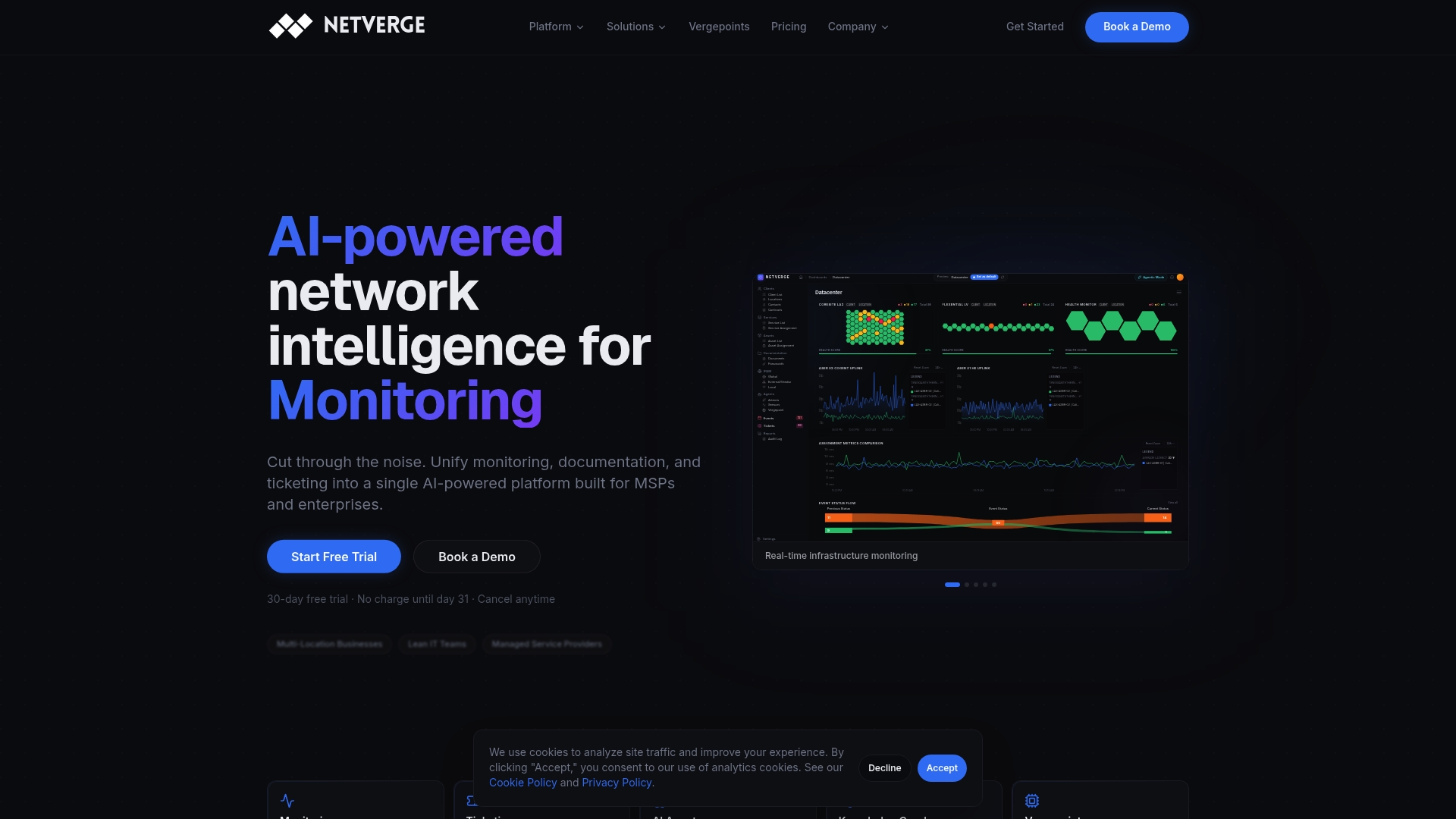
Prefer a walkthrough first? Request a demo and we will show you the workflows above on your own scenarios.
FAQ
What are the four key phases of incident response?
The widely used lifecycle has four phases: preparation, detection and analysis, containment, eradication and recovery, and post-incident activity. Autonomous tools add the most value in detection and analysis, where agents gather and correlate evidence quickly. Containment and recovery usually keep human approval for high-impact changes.
Is autonomous incident response the same as automated incident response?
No. Automated response runs predefined steps, such as a runbook, and follows the same path regardless of context. Autonomous response uses agents that decide what evidence to gather and what to propose, within limits you set. Many teams run both: scripts for known fixes, agents for diagnosis.
When should a human approve an agent's action?
Require approval for anything that changes configuration, isolates a segment, takes a site offline, closes a ticket or changes severity. Guidance such as the Cloud Security Alliance's implementation guide calls for explicit human authorization before actions like isolating a network segment. Read-only diagnostics and ticket enrichment are reasonable to run without approval.
Can I use my own AI assistant with Netverge?
Yes, you can connect an MCP-compatible assistant to Netverge to work with monitoring, ticketing, documentation and connected tools. What it can do depends on your account permissions and the assistant's configuration. Confirm compatibility and the access you want to grant before connecting.
What is a good first workflow to automate?
Alert-storm triage is a strong first choice. It is high volume, low risk and read-only: correlate related alerts, attach evidence and open one ticket with a probable cause. Once your team trusts the diagnoses, extend to ticket routing and client notification drafts.
Sources
- From Reactive to Autonomous: Evolution of AI Operations in Cloud Network Infrastructure (arXiv)
- Agentic Cybersecurity Implementation Guide v1 (Cloud Security Alliance)
- How We Learned to Trust an AI Agent to Triage Production (Kiro)
- How Mary Kay Built Self-Triaging Operations with Amazon Bedrock (AWS)