
Service desk automation is defined as the use of technology to automatically handle repetitive IT support tasks, from ticket intake and classification to resolution and follow-up, without requiring manual intervention at each step. The industry term for the broader discipline is IT service management (ITSM) automation, and it sits at the core of how modern support teams operate. Approximately 69% of IT service desk tickets can be resolved or significantly assisted by automation. That figure means most of what your analysts handle today could be processed faster, and at lower cost, by automated workflows. With 98% of companies reporting that a single hour of downtime costs over $100,000, the business case for automation is not theoretical. It is financial and urgent.
Service desk automation applies across the full ticket lifecycle. It covers structured intake forms, AI-powered classification, skills-based routing, SLA monitoring, and automated resolution for common requests. Platforms like Netverge take this further by unifying ticketing, network monitoring, and AI-driven diagnostics into one interface, so your team acts on context rather than guesswork.
What are the main types of service desk automation?
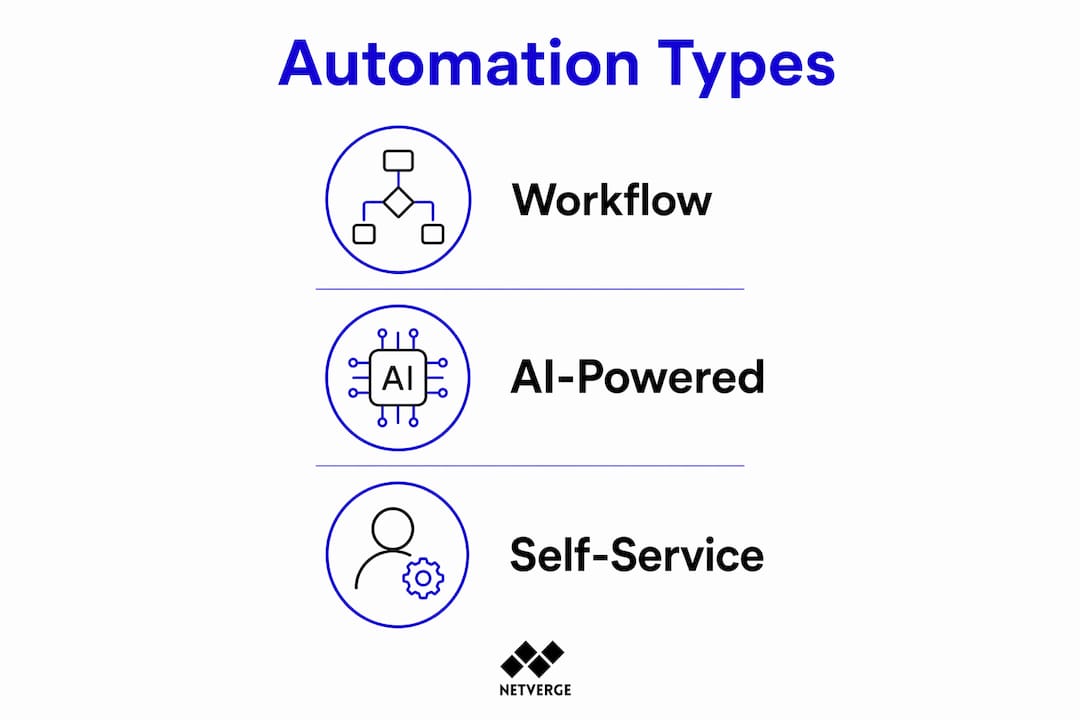
Service desk automation falls into three distinct categories, each solving a different part of the support workflow. Understanding the differences helps IT managers prioritize where to start.
Workflow automation
Workflow automation uses rule-based logic to move tickets through predefined steps without human input. Structured ticket intake, AI classification, skills-based routing, and automated SLA compliance monitoring are the core components. A ticket tagged as a VPN issue routes directly to the network team. A ticket marked critical triggers an SLA escalation timer automatically. These rules eliminate the manual triage step that slows most service desks.

AI-powered automation
AI-powered automation goes beyond fixed rules. It reads ticket content, identifies intent, detects sentiment, and predicts the best resolution path. AI-powered service desks move IT support from reactive problem-solving to proactive issue prevention by identifying patterns before problems escalate. IBM experts note that AI helps address root causes early, before a single-user complaint becomes a site-wide incident. This is the category where platforms like Netverge operate, using autonomous AI agents that diagnose and resolve issues directly from telemetry data.
Self-service automation
Self-service automation puts resolution power in the hands of end users. 69% of users prefer to attempt self-service solutions before contacting human IT support. AI chatbots and self-service portals handle password resets, account unlocks, and software provisioning without creating a ticket at all. AI self-service systems can complete simple tasks instantly without human involvement, which reduces ticket volume and improves user satisfaction simultaneously.
Pro Tip: Start your self-service catalog with password resets and account unlocks. These two request types consistently represent the highest ticket volume in most organizations and deliver immediate, measurable results.
The three categories work together. Workflow automation handles routing and compliance. AI automation handles classification and prediction. Self-service automation handles resolution at the user level. Together, they cover the full support lifecycle.
What are the key benefits of service desk automation?
The business impact of service desk automation is measurable and consistent across organizations that implement it correctly.
- Faster resolution times. Service desk automation delivers nearly 50% faster resolution times compared to fully manual operations. Tickets that once waited in a queue for triage are classified and routed in seconds.
- Lower operational costs. The same data shows 35% lower operational costs for automated service desks. Fewer manual touchpoints mean fewer labor hours per ticket.
- Reduced downtime exposure. Automated monitoring and faster troubleshooting cut the window between incident detection and resolution. Given that downtime costs exceed $100,000 per hour for most enterprises, even a 15-minute reduction in mean time to resolution has direct financial value.
- Higher staff morale. Analysts freed from repetitive tasks focus on complex, high-value work. This shift reduces burnout and improves retention, two outcomes that matter significantly in a tight IT labor market.
- Better SLA compliance. Automated SLA monitoring flags at-risk tickets before they breach. Teams stop reacting to missed deadlines and start preventing them.
Pro Tip: Track first-contact resolution rate before and after automation deployment. It is the single metric that best captures whether your automation is solving problems or just moving them faster.
The productivity gains compound over time. As automated systems process more tickets, their classification accuracy improves. AI models trained on your specific environment become more precise with each resolved incident.
How do IT organizations successfully implement service desk automation?
Successful implementation follows a phased approach. Organizations that try to automate everything at once typically create more confusion than they resolve.
Audit your current ticket data. Pull 90 days of ticket history and categorize by type, volume, and resolution time. This audit identifies your highest-volume, lowest-complexity tickets. Those are your first automation targets.
Address staff concerns directly. Cultural resistance is a key challenge in automation adoption. Managers must communicate clearly that automation removes repetitive work, not jobs. Analysts who previously spent 60% of their time on password resets can redirect that time to incident investigation and infrastructure projects.
Start with quick wins. Deploy automation for password resets, account provisioning, and status update notifications first. These automations are low-risk, high-volume, and deliver visible results within weeks. Early wins build internal confidence and reduce resistance to broader rollout.
Align with ITIL processes. ITIL (Information Technology Infrastructure Library) provides the process framework that automation should follow, not replace. Map your automation rules to ITIL incident, request, and change management workflows before configuring any tool. This alignment prevents automation from creating process gaps.
Monitor, measure, and adjust. The most successful implementations emphasize continuous monitoring of automated processes and flexible adjustment to evolving IT service demands. Set a monthly review cadence. Check automation accuracy rates, ticket deflection rates, and SLA compliance. Adjust rules when accuracy drops.
Pro Tip: Assign a dedicated automation owner on your team, not a committee. One person accountable for monitoring and adjusting automation rules moves faster and catches problems earlier than a shared responsibility model.
Change management is as important as the technology itself. Teams that invest in communication and training during rollout see faster adoption and better long-term outcomes. AI consulting guidance consistently points to change management as the factor that separates successful automation programs from stalled ones.
What tools and technologies power service desk automation in 2026?
Enterprise ITSM platforms now integrate AI chatbots, robotic process automation (RPA), and workflow rules that scale from simple service requests to complex incident and change management processes. The technology stack has matured significantly, and IT managers have more options than ever.
Core platform categories
The market breaks into three tiers based on capability and complexity:
- Entry-level ITSM tools offer basic ticket routing, canned responses, and simple workflow rules. They suit small teams with low ticket volumes and limited integration requirements.
- Mid-market platforms add AI classification, self-service portals, and API integrations with identity access management (IAM) tools like Active Directory. These platforms handle the majority of enterprise automation use cases.
- Enterprise-grade platforms include full RPA capabilities, predictive analytics, natural language processing (NLP) for ticket classification, and deep integrations with monitoring, change management, and asset management systems.
Key technologies to evaluate
When assessing service desk automation tools, focus on these capabilities:
- AI chatbots and virtual agents that handle Tier 1 requests without human involvement
- RPA connectors that automate actions in third-party systems, such as provisioning accounts in Active Directory or resetting tokens in an identity provider
- Intelligent ticket triage using NLP to read ticket content and assign priority, category, and owner automatically
- Integration with network monitoring so infrastructure events generate tickets automatically with full diagnostic context attached
Netverge addresses the monitoring-to-ticketing gap directly. Its AI agents detect anomalies in real time, correlate telemetry data across distributed networks, and generate tickets with diagnostic context already populated. IT teams receive an incident ticket that includes the probable cause, affected devices, and suggested resolution steps. That context eliminates the first 20 minutes of manual investigation that most analysts spend on every incident.
AI automation workflows built on this kind of telemetry-driven ticketing represent the current leading edge for MSPs and multi-location enterprises. The gap between teams using this approach and those still relying on manual triage is widening.
Key Takeaways
Service desk automation delivers measurable gains in speed, cost, and staff effectiveness when implemented with a phased, process-aligned approach.
| Point | Details |
|---|---|
| Define automation scope first | Audit 90 days of ticket data to identify high-volume, low-complexity targets before deploying any tool. |
| Three types work together | Workflow, AI-powered, and self-service automation each cover a different part of the ticket lifecycle. |
| Financial impact is direct | Automation cuts operational costs by 35% and resolution times by nearly 50%, with downtime savings compounding the return. |
| Cultural adoption matters | Address staff concerns early and assign a single automation owner to maintain momentum and accuracy. |
| Monitoring drives improvement | Continuous review of automation accuracy and SLA compliance is what separates good programs from great ones. |
Why I think most teams are automating in the wrong order
I have watched IT teams spend months configuring complex AI classification models before they have automated a single password reset. The instinct to start with the most impressive technology is understandable. It is also the most common reason automation programs stall.
By 2027, IT service desk analysts will interact with AI as frequently as with business users, according to Gartner's Hype Cycle forecast. That future is real. But the teams that will be ready for it are the ones building disciplined automation habits now, starting with the boring stuff.
The cultural shift is harder than the technical one. Analysts who have spent years as the human layer between a problem and its solution need to see automation as a partner, not a threat. That shift does not happen through a company-wide email. It happens when an analyst realizes they spent their entire Tuesday on infrastructure projects instead of password resets. The experience changes the perspective faster than any communication campaign.
My practical advice: treat your first automation deployment as a proof of concept, not a transformation. Pick one high-volume request type, automate it completely, measure the result, and share it with your team. One visible win builds more internal support than any roadmap presentation. Customer-facing AI systems that handle Tier 1 requests end-to-end show what is possible. The question is whether your internal team is ready to trust the process.
The organizations that will lead in service delivery by 2027 are not the ones with the biggest automation budgets. They are the ones that started small, measured honestly, and adjusted consistently.
— Jim
Netverge's AI-powered service desk for IT teams
IT teams managing distributed networks need more than a ticketing system. They need a platform where monitoring, diagnostics, and ticket creation work as one connected process.
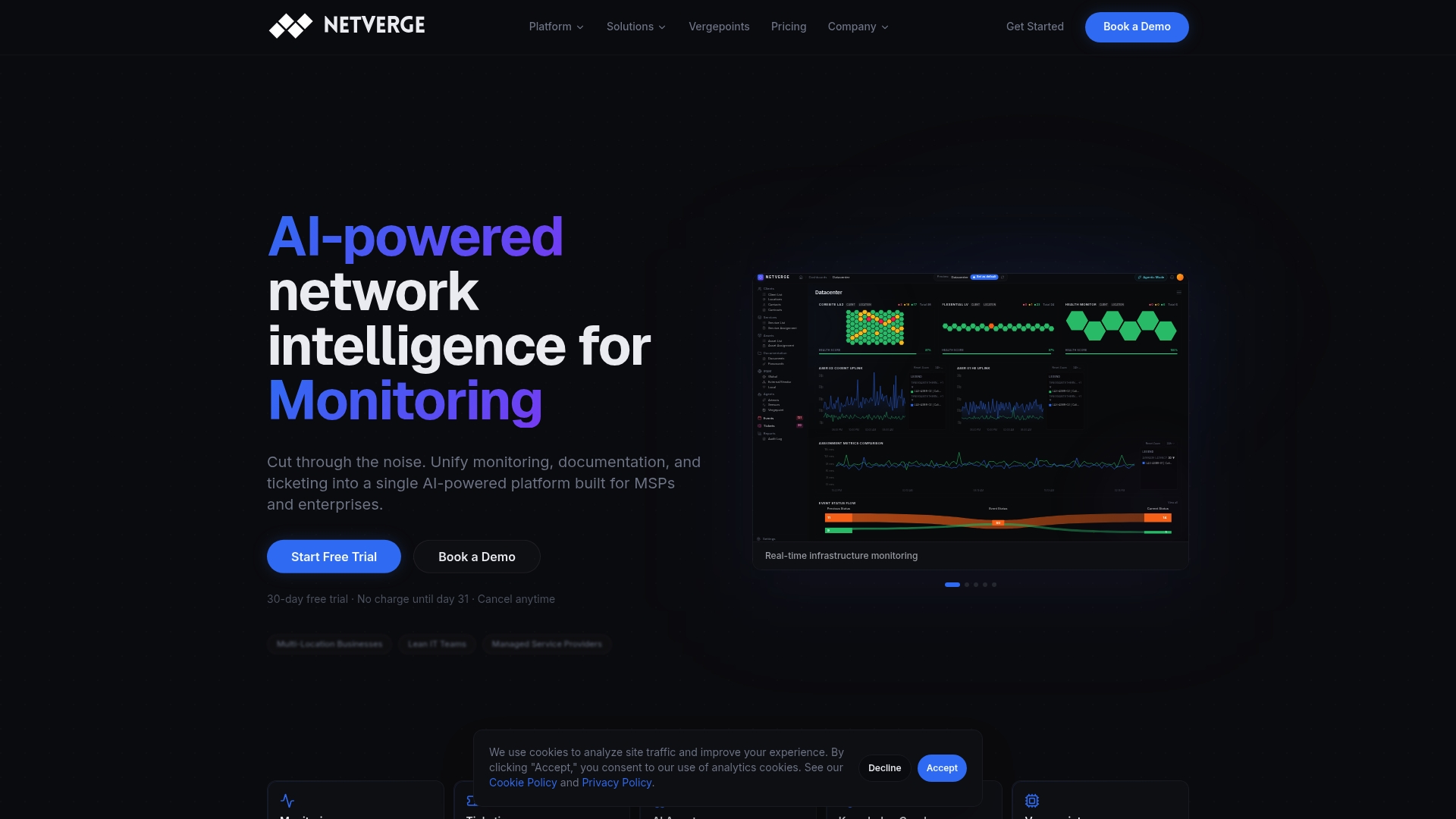
Netverge unifies AI-powered ticketing with real-time network monitoring, so every incident ticket arrives with full diagnostic context already attached. AI agents detect anomalies, correlate telemetry across sites, and generate resolution-ready tickets before your analysts even open their queue. For MSPs and multi-location enterprises, that means faster resolutions, fewer escalations, and a service desk that gets smarter with every incident. Explore Netverge's AI monitoring platform to see how automated diagnostics and intelligent ticketing work together in a single interface.
FAQ
What is service desk automation?
Service desk automation is the use of technology to automatically handle repetitive IT support tasks, including ticket intake, classification, routing, and resolution, without manual intervention at each step. It falls under the broader discipline of ITSM automation.
What are the main benefits of service desk automation?
Service desk automation reduces operational costs by 35% and cuts resolution times by nearly 50%. It also improves SLA compliance, reduces analyst workload, and increases user satisfaction through faster, more consistent support.
How does service desk automation work?
Automation tools apply rule-based workflows, AI classification, and self-service portals to process tickets from intake to resolution. AI reads ticket content, assigns priority and category, routes to the right team, and in many cases resolves the issue without human involvement.
What types of service desk automation exist?
The three main types are workflow automation (rule-based routing and SLA monitoring), AI-powered automation (classification, sentiment analysis, and predictive actions), and self-service automation (chatbots and portals for common requests like password resets).
How do you start implementing service desk automation?
Start by auditing your ticket history to identify high-volume, low-complexity request types, then automate those first. Align automation rules with ITIL processes, address staff concerns directly, and assign a single owner to monitor and adjust the program over time.