
Most IT teams don't have a visibility problem. They have a visibility overload problem. When you're managing six, eight, or twelve separate monitoring tools across a distributed network, you aren't gaining clarity — you're generating noise. The question of why use unified monitoring isn't academic. It's operational. MSPs and IT leaders who rely on fragmented stacks spend enormous time reconciling data between platforms, chasing false positives, and missing the actual alerts that matter. This article explains exactly what unified monitoring is, why the status quo is costing you more than you think, and how consolidation changes your operational posture for the better.
Table of Contents
- The hidden costs of fragmented monitoring
- How unified monitoring improves efficiency and reduces costs
- Unified monitoring and regulatory compliance: Meeting NIS2 requirements
- Key features that make unified monitoring indispensable
- Making the transition: Best practices for adopting unified monitoring
- Why ignoring unified monitoring risks endanger your MSP's future
- Explore Netverge's AI-powered unified monitoring solutions
- Frequently asked questions
Key Takeaways
| Point | Details |
|---|---|
| Reduce alert fatigue | Unified monitoring cuts unnecessary alerts, letting your team focus on real issues. |
| Lower operational costs | Consolidating tools decreases licensing and maintenance expenses significantly. |
| Enhance compliance | Automated audit trails from unified platforms simplify meeting security regulations. |
| Improve incident response | Integrated data and workflows speed up detection and resolution of problems. |
| Simplify management | One platform with auto-discovery and intelligent alerts reduces complexity and training time. |
The hidden costs of fragmented monitoring
To fully grasp why unified monitoring matters, let's first examine the hidden costs and risks created by fragmented monitoring systems.
The most damaging effect of tool sprawl isn't subscription costs — it's structural alert fatigue. When every platform generates its own notifications, with no correlation between them, engineers learn to tune out the noise. That's when critical alerts get missed. A network anomaly flagged by one tool might be confirmed or dismissed by another, but if no one has time to cross-reference both dashboards, the issue escalates unchecked.
The numbers back this up. Tool sprawl wastes over a quarter of IT operational time chasing false positives generated by multiple disconnected monitoring tools. That's time your engineers could spend on proactive work, documentation, or client-facing improvements.
Fragmented monitoring also creates what security teams call the "black box" effect. When institutional knowledge is spread across five tools with different data formats, query languages, and alert schemas, no single engineer has the full picture. When that person leaves, or when an incident occurs at 2 a.m., the team is reconstructing context instead of resolving the issue. The hidden cost of alert fatigue on MSP margins compounds over time and rarely shows up in a budget line — until a client contract is lost.
Here's what fragmented monitoring typically produces:
- Duplicated alerts across platforms for the same root cause event
- Inconsistent data with no single source of truth for device states
- Manual correlation work that adds 20 to 40 minutes to every incident investigation
- Increased security exposure when security and network tools don't share telemetry
- Higher onboarding friction when new engineers must learn multiple platforms simultaneously
"When your monitoring stack is fragmented, your incident response is only as fast as your slowest tool. And in most environments, at least one tool is always behind."
The importance of unified monitoring becomes clear when you recognize that the problem isn't a lack of data. It's a lack of coherence.
How unified monitoring improves efficiency and reduces costs
Having seen the risks of fragmented monitoring, now let's explore how unified monitoring delivers measurable efficiency and cost savings.

The advantages of unified monitoring show up fastest in two places: the monthly tooling invoice and the average time to resolve an incident. When you consolidate monitoring into a single platform, you eliminate licensing fees for redundant tools, reduce the number of API integrations your team maintains, and cut the hours spent context-switching between dashboards.
Real-world results reflect this clearly. After consolidating to a unified monitoring platform, one B2B organization reduced costs by 40% monthly and saw an 80% drop in the number of platforms requiring active maintenance. Those aren't marginal improvements. They represent a fundamental shift in operational overhead.
| Metric | Fragmented stack | Unified monitoring |
|---|---|---|
| Monthly tooling cost | High (multiple licenses) | Reduced by up to 40% |
| Platforms requiring maintenance | 8 to 12 typical | 80% reduction post-consolidation |
| Alert volume | Unfiltered, duplicated | Correlated and prioritized |
| Average incident response time | 35 to 60 minutes | Under 15 minutes with automation |
| Engineering context-switch time | 20 to 40 min per incident | Near-zero with unified dashboard |
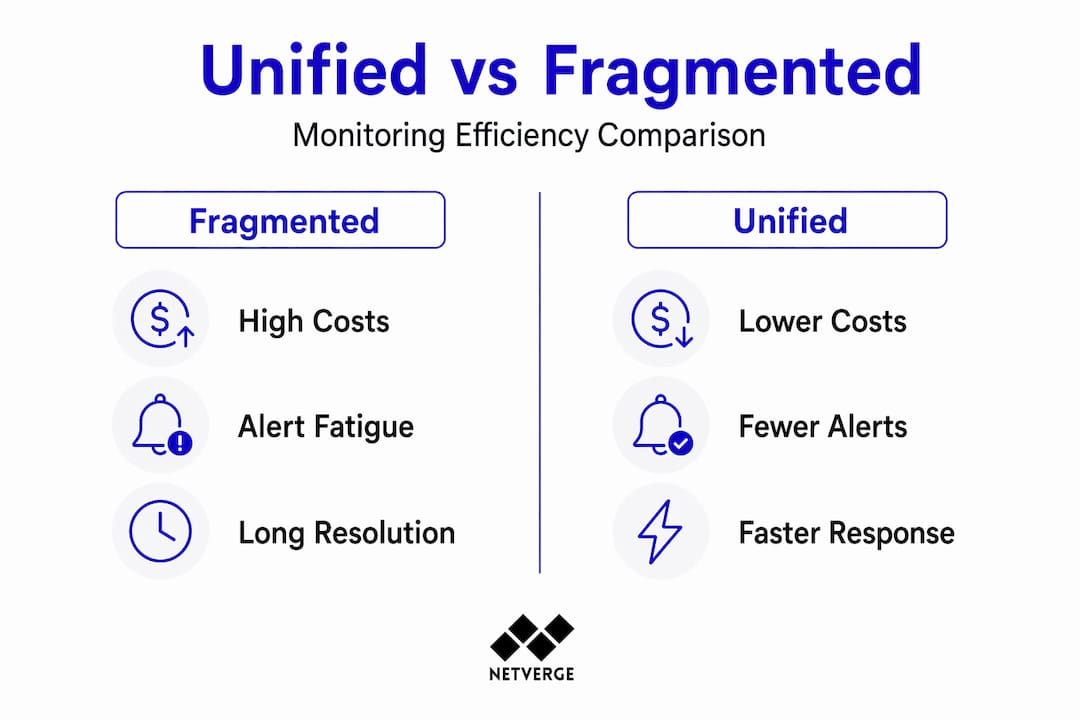
Consolidation also removes a category of work that rarely gets budgeted: integration maintenance. Every time a tool updates its API, changes its webhook format, or deprecates a feature, someone on your team has to fix the connection between platforms. In a unified environment, that overhead disappears. Workflows live in one place, incident timelines are automatic, and your team spends time on resolution instead of plumbing.
Pro Tip: When evaluating the cost of tool sprawl, include engineering hours spent on integration maintenance in your calculation. Most teams undercount this by 30 to 50% because it gets logged as "general ops" rather than attributed to specific tools.
The benefits of unified monitoring for IT optimization are most visible when you track mean time to acknowledge (MTTA) and mean time to resolve (MTTR) before and after consolidation. Both metrics typically improve within 60 days of deploying a unified platform.
You can read more about the cost of tool sprawl and how consolidation addresses it in concrete terms.
Unified monitoring and regulatory compliance: Meeting NIS2 requirements
Beyond cost and efficiency, unified monitoring is critical for meeting complex regulatory and compliance demands like NIS2.
NIS2 (the Network and Information Security Directive 2) requires organizations to demonstrate verifiable risk management practices and meet strict incident reporting timelines. Specifically, entities must submit an early warning within 24 hours of a significant incident and a full notification within 72 hours. Without automated, timestamped records, meeting those deadlines is a manual scramble under pressure.
Automated audit trails in unified platforms are essential for demonstrating security posture and satisfying NIS2 reporting deadlines. This isn't just about having logs — it's about having organized, searchable, timestamped logs that map directly to compliance frameworks.
Here's how unified monitoring supports NIS2 compliance in practice:
- Continuous telemetry logging captures every state change, alert, and resolution action with accurate timestamps across all monitored devices.
- Centralized incident documentation means your audit trail is in one location, not spread across six platforms with different export formats.
- Automated evidence collection reduces the manual work of compiling compliance reports, cutting preparation time from days to hours.
- Role-based access controls ensure that audit data is protected and that only authorized personnel can modify incident records.
- Built-in reporting templates aligned to NIS2 requirements simplify the process of demonstrating compliance to auditors or regulators.
For MSPs managing clients in regulated sectors such as healthcare, finance, or critical infrastructure, this isn't optional functionality. It's a baseline requirement. Clients will increasingly expect their MSP to provide compliance-ready documentation as part of the service contract. Unified network monitoring compliance features directly reduce the risk of regulatory penalties and client-facing audit failures.
The governance visibility that comes with a unified platform also enables quarterly internal reviews, where you can demonstrate trends in incident frequency, resolution times, and risk exposure to stakeholders without building custom reports from scratch each time.
Key features that make unified monitoring indispensable
Having established the why, let's dive into the must-have features that make unified monitoring a game-changer for MSPs managing complex infrastructures.
Not all unified monitoring solutions are equal. The features that separate genuinely useful platforms from rebranded dashboards come down to intelligence, automation, and integration depth. Here's what to prioritize:
- Auto-discovery: The platform should detect new devices, interfaces, and services on your network automatically. This eliminates manual inventory updates and ensures monitoring coverage keeps pace with infrastructure changes.
- Intelligent alert correlation: Rather than forwarding every raw event, the platform should correlate related alerts into a single incident context. Multi-region checks and intelligent alert conditions eliminate false alarms and accelerate response.
- Integrated incident management: Incidents should be created, updated, and resolved within the same platform that detected them. Context from telemetry data should attach automatically to every ticket.
- Status page integration: Client-facing status pages should update automatically when incidents are detected and resolved, reducing inbound support calls.
- On-call scheduling: The platform should route alerts to the right engineer based on current schedules, not static email lists.
Pro Tip: When evaluating vendors, ask specifically how their alert correlation engine handles multi-cause incidents — situations where a single root cause (like a failed core switch) triggers 50 downstream alerts. Platforms that can't group these intelligently will still bury your team in noise.
| Feature | Basic monitoring tool | Unified monitoring platform |
|---|---|---|
| Auto-discovery | Manual or scheduled | Continuous and event-driven |
| Alert correlation | None | Cross-device, multi-layer |
| Incident context | Separate tool required | Embedded in alert workflow |
| Compliance logging | Export only | Automated and searchable |
| On-call routing | Static config | Schedule-aware and dynamic |
You can explore how these capabilities apply across distributed networks in this guide to monitoring platform strategies.
Making the transition: Best practices for adopting unified monitoring
Understanding the benefits and features is essential, but applying these in practice requires a well-planned migration strategy.
A phased approach to adoption is the most reliable path. Starting with an audit of existing tools and core infrastructure is the recommended starting point for monitoring consolidation. Trying to migrate everything at once creates coverage gaps and teams lose confidence in the new platform before it has a chance to prove itself.
Follow this sequence:
- Audit your current stack. Document every monitoring tool in use, what it monitors, and who depends on its alerts. Include integration dependencies and notification channels.
- Identify coverage gaps. Note devices, services, or locations that have inconsistent or no monitoring. These gaps are often the source of past incidents.
- Prioritize core infrastructure. Deploy unified monitoring on routers, firewalls, and core switches first. These devices affect the most downstream systems and deliver the highest immediate value.
- Migrate secondary systems in phases. Move servers, applications, and endpoint monitoring in 30-day waves, validating alert quality at each stage.
- Decommission retired tools. Once coverage is confirmed in the unified platform, cancel redundant subscriptions and remove integrations.
- Establish continuous improvement cycles. Review alert thresholds and escalation rules every 30 to 60 days post-deployment.
Key considerations during the transition:
- Communicate alert changes clearly to stakeholders. Fewer alerts doesn't mean less monitoring — explain the distinction.
- Use auto-discovery to accelerate onboarding. Manual device entry at scale introduces errors.
- Assign an internal owner for the unified platform during the first 90 days to track coverage and resolve gaps quickly.
- Document your alert logic in the new platform so the team understands what triggers notifications and why.
Pro Tip: Run the new unified platform in parallel with your existing tools for at least two weeks before decommissioning anything. This gives you a direct comparison of alert quality and surfaces any coverage gaps before they become live incidents.
For a forward-looking view on where unified monitoring adoption is heading, the 2026 monitoring trends guide covers what leading MSPs are prioritizing this year.
Why ignoring unified monitoring risks endanger your MSP's future
With best practices in mind, here's a deeper perspective on why MSPs must prioritize unified monitoring today or risk falling behind.
There's a popular assumption in IT operations that more tools equals more capability. Every new monitoring platform gets added because it covers a gap, solves a specific problem, or was bundled with a vendor contract. Over time, that logic produces a stack that's technically broad but operationally fragile. The team that knows how to use all twelve tools isn't one person. It's four people, each holding knowledge the others don't have.
That's not a monitoring strategy. That's a liability.
In 2026, the competitive advantage belongs to teams that can see everything, understand everything, and act before problems become outages. That's a direct description of what unified, AI-powered monitoring enables. And it's exactly what fragmented stacks prevent.
The MSPs we see struggling with client retention typically share a common pattern: they have high alert volume, long response times, and incomplete documentation. All three of those problems trace back directly to tool sprawl. Clients don't see the stack. They see the outage duration and the post-incident report. When both are poor, the relationship erodes.
Adopting unified monitoring isn't a technical upgrade. It's a business decision about whether your operations can support the service level your clients expect. The guide on real-time network alerts for MSPs addresses this gap in detail, but the core principle is simple: your clients are paying for outcomes, not tools. Unified monitoring is how you consistently deliver those outcomes.
Explore Netverge's AI-powered unified monitoring solutions
After understanding the why and how of unified monitoring, consider how Netverge's platform delivers these capabilities in a single, AI-driven environment built specifically for MSPs and multi-location enterprises.
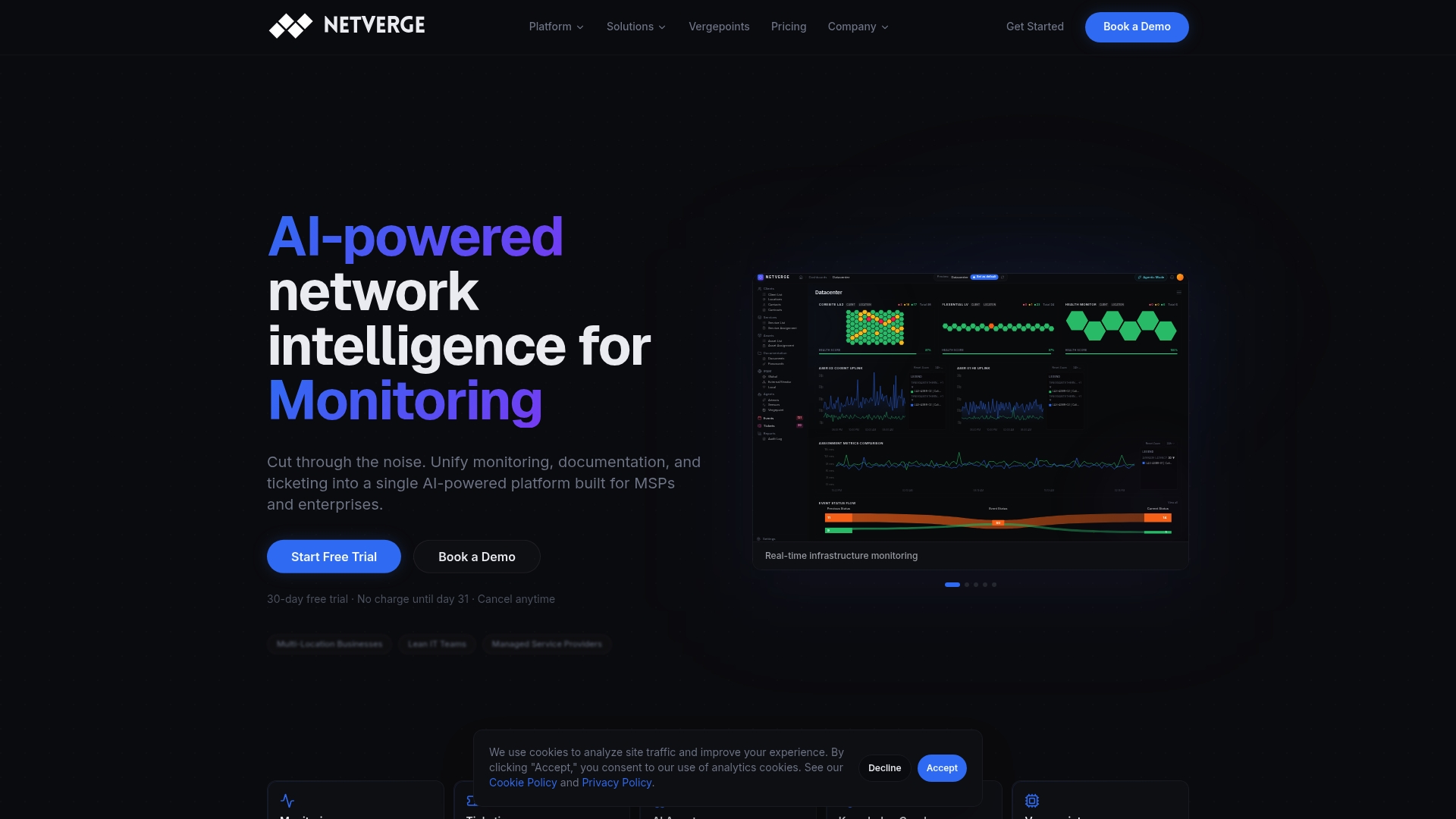
Netverge consolidates network monitoring, incident management, and automation into one platform. Its AI agents correlate alerts, detect anomalies in real time, and initiate automated troubleshooting before your team is even notified. For enterprise environments managing distributed infrastructure across multiple locations, Netverge provides a unified knowledge graph that maps every device, dependency, and relationship. Compliance reporting is automated with timestamped audit trails built in. AI-powered ticketing ensures every incident is triaged, routed, and documented without manual entry. Request a demo to see what your network looks like when everything is finally in one place.
Frequently asked questions
What is unified monitoring and why is it important for MSPs?
Unified monitoring consolidates multiple monitoring tools into a single platform, helping MSPs reduce alert noise, improve incident response, and lower operational costs. Consolidating tools reduces alerts significantly, improving efficiency and freeing engineering time for proactive work.
How does unified monitoring help with NIS2 compliance?
It provides automated, timestamped audit trails and centralized incident documentation needed to meet NIS2's strict reporting and governance requirements. Unified platforms provide essential audit trails to demonstrate security posture and meet both 24-hour and 72-hour NIS2 reporting deadlines.
Can unified monitoring reduce alert fatigue?
Yes, by correlating alerts and applying intelligent filtering, unified monitoring significantly cuts false positives and notification overload for IT teams. Intelligent alert correlation reduces notification volume meaningfully, so engineers focus on real issues instead of noise.
What are the first steps for an MSP to adopt unified monitoring?
Begin with auditing existing tools and coverage gaps, then prioritize integrating core network infrastructure monitoring before expanding to other systems. A phased approach starting with core infrastructure enables manageable adoption without disrupting existing coverage.