SAML SSO Integration: Setup Steps, Testing and Fixes
Published
- saml single sign-on
- saml sso integration
- saml sso setup
- saml integration guide

A SAML SSO integration is a trust relationship between an identity provider (IdP) and a service provider (SP). You build it by exchanging metadata (entity IDs, endpoint URLs and a signing certificate), mapping user attributes, assigning users, and testing both the SP-initiated and IdP-initiated logins before you roll it out. Most failures come from a mismatched URL, an expired certificate or a user who was never assigned. This guide covers the setup in order, then the testing and upkeep that keep the integration working across many sites and tenants.
TL;DR
- SAML SSO lets an IdP vouch for a user to an SP through a signed assertion, so credentials stay at the IdP.
- Setup is a two-way exchange: the IdP gives the SP its issuer, SSO URL and signing certificate, and the SP gives the IdP its ACS URL and audience (entity ID).
- Test in a non-production environment first, with a test account, and check both login directions.
- Most errors trace to a Reply URL mismatch, an audience mismatch, an unassigned user or an expired certificate.
- Certificates expire. Track them like any other infrastructure dependency.
Table of Contents
- What a SAML SSO integration actually connects
- What you need before you start
- Configure the integration, step by step
- Test before you enforce
- Troubleshoot common SAML login failures
- Keep SAML SSO secure over time
- SAML SSO across many sites and tenants
- Where monitoring fits after go-live
- Promo: see your distributed network and your logins in one place
- FAQ
- Sources
What a SAML SSO integration actually connects
SAML is a standardized way to tell external applications that a user is who they say they are. Cloudflare's overview describes three parties: the principal (the user), the IdP and the SP. The user asks the SP for access, the SP asks the IdP to authenticate them, and the IdP sends an assertion back that the SP can act on. The IdP may prompt the user to log in first.
The step-by-step sequence, as Cisco Duo describes it, is:
- The user requests access to the application.
- The SP creates a SAML AuthnRequest.
- The IdP authenticates the user.
- The IdP generates a signed SAML response.
- The SP validates the assertion and grants access.
The standard behind this is SAML 2.0, published by OASIS in March 2005 and still the version enterprises deploy. An integration has two phases. First you establish trust by swapping metadata: entity IDs, authentication and logout endpoints, and digital certificates, as Auth0 explains. Then each login runs the authentication flow above. Nearly every configuration problem lives in the first phase, and nearly every day-to-day failure lives in the second.
SP-initiated versus IdP-initiated login
In an SP-initiated login, the user starts at the application, which redirects them to the IdP. In an IdP-initiated login, the user starts from the IdP's app portal and arrives at the application with an assertion already issued. Support both when the application allows it, and test each separately, because they fail for different reasons. The IdP-initiated path has no AuthnRequest, so a setting that depends on one can break only that path.
What you need before you start
Gather the following before opening any admin console. Missing one item is the most common reason a setup session stalls.
| Item | Comes from | Used for |
|---|---|---|
| IdP issuer / entity ID | IdP | Identifies who signed the assertion |
| IdP single sign-on URL | IdP | Where the SP sends the login request |
| IdP signing certificate (X.509, PEM) | IdP | Lets the SP verify the assertion signature |
| SP entity ID (audience) | SP | The audience the assertion is issued for |
| ACS / Reply URL | SP | Where the IdP posts the assertion |
| NameID format and attribute mapping | Both | How the user is identified and what attributes travel |
| Test account and test group | Your directory | Safe validation before rollout |
The specifics differ by platform, but they are consistent. To configure an external SAML IdP in Okta, you collect the IdP issuer URI, single sign-on URL and signature certificate, and the external IdP in turn needs Okta's ACS URI and audience URI. Google Workspace, as an SP, asks for the IdP entity ID, sign-in page URL, sign-out page URL, change password URL and an X.509 PEM certificate.
A university onboarding guide shows how much planning matters on the SP side. Stanford's IT team asks for the SP EntityID, the SP metadata, a contact email, a workgroup name and whether the SP supports encrypted assertions before integration starts. Borrow that habit: decide who owns the integration, where the metadata lives and whether you need encryption before you configure anything.
One more decision is the NameID. It is the stable identifier the SP uses to recognize a user. Login.gov's guide, for example, uses a random UUID in the RFC 4122 format and recommends using an existing SAML library in your language before writing your own. The same advice holds for any custom application: do not hand-roll XML signature validation.
Configure the integration, step by step
The example below uses Microsoft Entra ID as the IdP, because the steps are documented in detail. Other IdPs use different labels for the same fields.
Step 1: Open the application's SAML settings
Sign in to the IdP as an administrator with enough rights. In Entra ID, at least the Cloud Application Administrator role is needed. Open Enterprise apps, select the application, then open the single sign-on pane and choose SAML.
Where it goes wrong: working from a personal or over-privileged account. Use a named admin account so changes are auditable.
Step 2: Enter the SP values at the IdP
Set the SP's entity identifier, the Reply URL (the ACS endpoint) and, if the SP supports it, the Sign on URL. These must match what the SP expects character for character, including the trailing slash and the scheme.
Where it goes wrong: a Reply URL that differs by one character. The SP rejects the response, and the user sees a generic error.
Step 3: Record the IdP values for the SP
The IdP pane shows the values the SP needs. In Entra ID these are the Login URL, the Microsoft Entra Identifier and the Logout URL. Download the signing certificate or the federation metadata file. Importing the metadata file beats copying fields by hand, since it carries the endpoints and certificate together.
Step 4: Configure the SP
Paste or import the IdP values into the SP. If you are the SP, this is where you also set the attribute mapping, such as email, first name, last name and group claims. Keep the mapping minimal. Send only the attributes the application uses.
Google Workspace shows a useful pattern here. It allows up to 1,000 SAML SSO profiles per organization and up to two certificates per profile, which makes certificate rotation possible without downtime. If your SP supports two certificates, load the new one before the old one expires.
Step 5: Assign users and groups
An integration that is configured but has no users assigned will fail for everyone. Entra ID requires registering the user account with the application. Start with a pilot group, not the whole directory.
Step 6: Decide on a break-glass path
Before enforcing SSO, keep at least one local administrator account with a strong credential and MFA, stored securely. If the IdP is down or a certificate expires, you need a way back into the SP's admin console.
Test before you enforce
The federal Enterprise SSO Playbook on IDManagement.gov (version 1.3, March 18, 2026) recommends testing in a non-production environment with a test account, exercising both service-initiated and application-initiated login patterns to check assertion integrity, and testing automated provisioning and de-provisioning.
A practical test sequence:
- Log in with a test account from the SP's login page (SP-initiated).
- Log in from the IdP portal tile (IdP-initiated).
- Log in with a user who is not assigned and confirm access is denied cleanly.
- Remove a test user from the group and confirm access ends.
- Log out and confirm the session ends where you expect it to.
- Confirm the attributes the application received are the ones you mapped.
Many IdPs and SPs also include a built-in test button. Use it, then repeat with a real browser session, because cached sessions can hide a broken flow.
Troubleshoot common SAML login failures
Most errors fall into a short list. Start with the message, then compare the three values that must agree across both sides.
| Symptom | Likely cause | Check |
|---|---|---|
| Reply URL or ACS mismatch | The IdP posts to a different URL than the SP expects | Compare the configured Reply URL to the SP's ACS endpoint |
| Audience mismatch | The assertion's audience differs from the SP's entity ID | Compare the entity ID on both sides |
| Signature validation fails | Wrong or rotated certificate | Re-import the current IdP certificate |
| Assertion expired | Clock skew between systems | Check time sync on both sides |
| User not assigned | No assignment at the IdP | Add the user or group |
| Attribute not found | Mapping does not match what the SP wants | Compare claim names and NameID format |
| Login loop | Session or redirect misconfiguration | Clear cookies, verify the Sign on URL |
The SP's validation steps explain why these checks matter. According to Cisco Duo, the SP verifies the digital signature with the IdP's public certificate, confirms the assertion has not expired, checks that the audience restriction matches its own entity ID, and then extracts the user's attributes. Each failure in the table maps to one of those checks.
In Entra ID, copy the full error message, including the CorrelationID and Timestamp, into the Test single sign-on page to get resolution guidance. Then verify that the destination in the request matches the SAML Single Sign-on Service URL, the issuer matches the application identifier and the AssertionConsumerServiceURL is where the application expects the token.
The IDManagement.gov playbook adds an operational point: a working configuration can stop working after software issues or environment changes. It suggests verifying the user's identity is valid, checking network routing, and testing a known good application to isolate the fault. That last step is worth copying: if a second SAML app logs in fine, the IdP is healthy and the problem is in the failing app's configuration.
Keep SAML SSO secure over time
SAML moves the trust decision to the IdP. Cisco Duo notes that because the IdP issues a signed XML assertion to every connected application, credentials never leave the IdP and policy enforced there protects every SAML-connected application. That is also why the IdP deserves the strongest controls you have.
The OASIS security and privacy considerations (approved 1 March 2005) warn consumers not to trust an assertion without knowing how it was made, and tie SAML security to the underlying trust model, typically built on key management. In practice:
- Validate signatures on every assertion. Do not accept unsigned responses.
- Restrict the audience. The SP should accept only assertions issued for its own entity ID.
- Require MFA at the IdP for administrators and for anyone reaching sensitive systems.
- Rotate certificates on a schedule, using dual-certificate support where it exists.
- Log authentication events and keep them for audit.
- Review assignments when staff change roles or leave, and automate de-provisioning where you can.
- Use current algorithms. The 2005 OASIS conformance document lists SHA-1 based algorithms as mandatory for interoperability. Check your IdP and SP settings and use stronger options where both sides support them.
Certificate expiry is the quiet outage
A SAML signing certificate has an end date. When it passes, every login through that integration fails at once, usually on a morning nobody planned for. The fix is a calendar entry and, better, monitoring. Netverge's guide to certificate expiry monitoring covers how IT teams track certificates before they lapse, and the same practice applies to SAML signing certificates and the endpoints that serve your metadata.
SAML SSO across many sites and tenants
For an MSP or a multi-site enterprise, one integration is rarely the end. You may have a tenant per client, an admin portal for your technicians and several operational tools that all need to honor the same identity rules. A few habits keep that manageable:
- Keep a register of every SAML integration: application, IdP, entity IDs, ACS URLs, certificate expiry date and owner.
- Use one naming convention for entity IDs and app names so a failing login is easy to trace.
- Separate admin and user access. Role-based access at the SP means SSO proves who someone is, and roles decide what they can do.
- Standardize attribute mapping so a new tenant is a copy of a tested template.
- Plan for IdP outages with break-glass accounts per tenant.
For teams working with Okta, Netverge's guide to Okta SSO integration walks through configuring OIDC or SAML and testing both sides. For the wider security picture across client environments, see network security practices for MSPs, and Netverge's Security and Trust page states how the platform approaches security.
Where monitoring fits after go-live
A SAML integration depends on infrastructure you can observe: the IdP's reachability from each site, DNS resolution, TLS certificates and the latency of login endpoints. When users report they cannot sign in, the first question is whether the problem is the assertion or the network between the user and the IdP. Distributed networks make that harder, because the answer can differ by location.

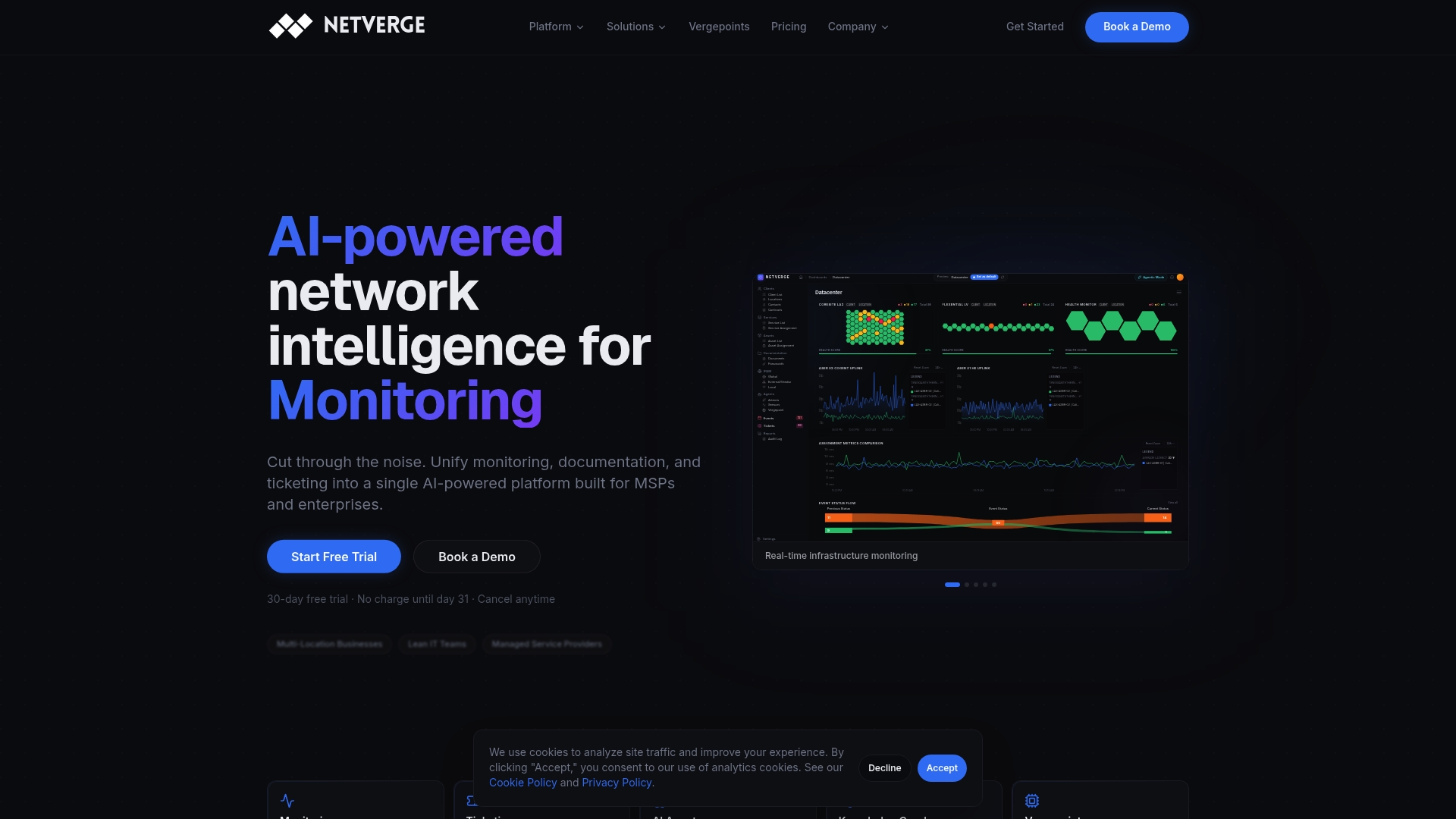
Netverge unifies network monitoring, documentation, ticketing and AI-assisted troubleshooting in one platform for MSPs and multi-location enterprises. It includes 4-way monitoring and Vergepoints for on-site visibility. With documentation and monitoring data in the same place, a technician diagnosing a login failure can see the site's network state alongside the notes on how that site's SSO was set up.
Promo: see your distributed network and your logins in one place
Netverge's Starter Package is $299 per month, and you can estimate your own cost with the pricing calculator. Hardware Vergepoints are $49 per month per device and Software Vergepoints are $29 per month per Vergepoint, with add-ons for sensors, clients, sites, AI agents and storage listed on the pricing guide.
To see how it fits your sites and clients, start your free trial.
FAQ
What is the difference between SAML and SSO?
SSO is the outcome: sign in once and reach several applications. SAML is one standard for achieving it, by passing signed assertions from an IdP to an SP. Other protocols can also deliver SSO, but SAML 2.0 remains the common choice for enterprise web applications.
What do I need from the identity provider to set up SAML SSO?
You typically need the IdP issuer or entity ID, the single sign-on URL and the X.509 signing certificate. Many IdPs also provide a metadata file that bundles these. You then give the IdP your SP's entity ID and ACS URL.
Why does my SAML login fail with an audience or Reply URL error?
The value in the assertion or request does not match what the other side expects. Compare the SP entity ID and the ACS or Reply URL on both sides, character for character, including scheme and trailing slash. Entra ID's test page can point to the mismatched value when you paste the error details into it.
How often should I rotate the SAML signing certificate?
Follow your organization's security policy and the IdP's certificate lifetime, and always rotate before the expiry date. Where the SP accepts two certificates, load the new one first, switch the IdP over, then remove the old one. Track the expiry date in a register or with monitoring.
Should I test SAML in production?
No. Use a non-production environment and a test account first, as the federal SSO playbook recommends, and keep a break-glass admin account when you enforce SSO in production.
Sources
- Enable SAML single sign-on for an enterprise application, Microsoft Learn
- Debug SAML-based single sign-on, Microsoft Learn
- Enterprise identity provider, Okta Developer
- Setting up SSO, Google Workspace Help
- Onboard a service provider for single sign-on, Stanford UIT
- SAML developer guide, Login.gov
- Enterprise Single Sign-On Playbook, IDManagement.gov
- Security and Privacy Considerations for SAML 2.0, OASIS
- Conformance Requirements for SAML 2.0, OASIS
- SAML authentication explained, Cisco Duo
- What is SAML, Cloudflare
- How SAML Authentication Works, Auth0
- SAML Protocol: Role in Enterprise Identity Security