Selecting a network monitoring and management platform that aligns with technical and scale needs is difficult for MSPs and enterprise IT teams. Most alternatives require separate tools for telemetry, ticketing, and documentation or lack deep customization for event scale and global access. This comparison covers capabilities, integration depth, and deployment style so MSPs and enterprise IT teams can choose a platform that matches current gaps.
Table of Contents
Netverge
At a Glance
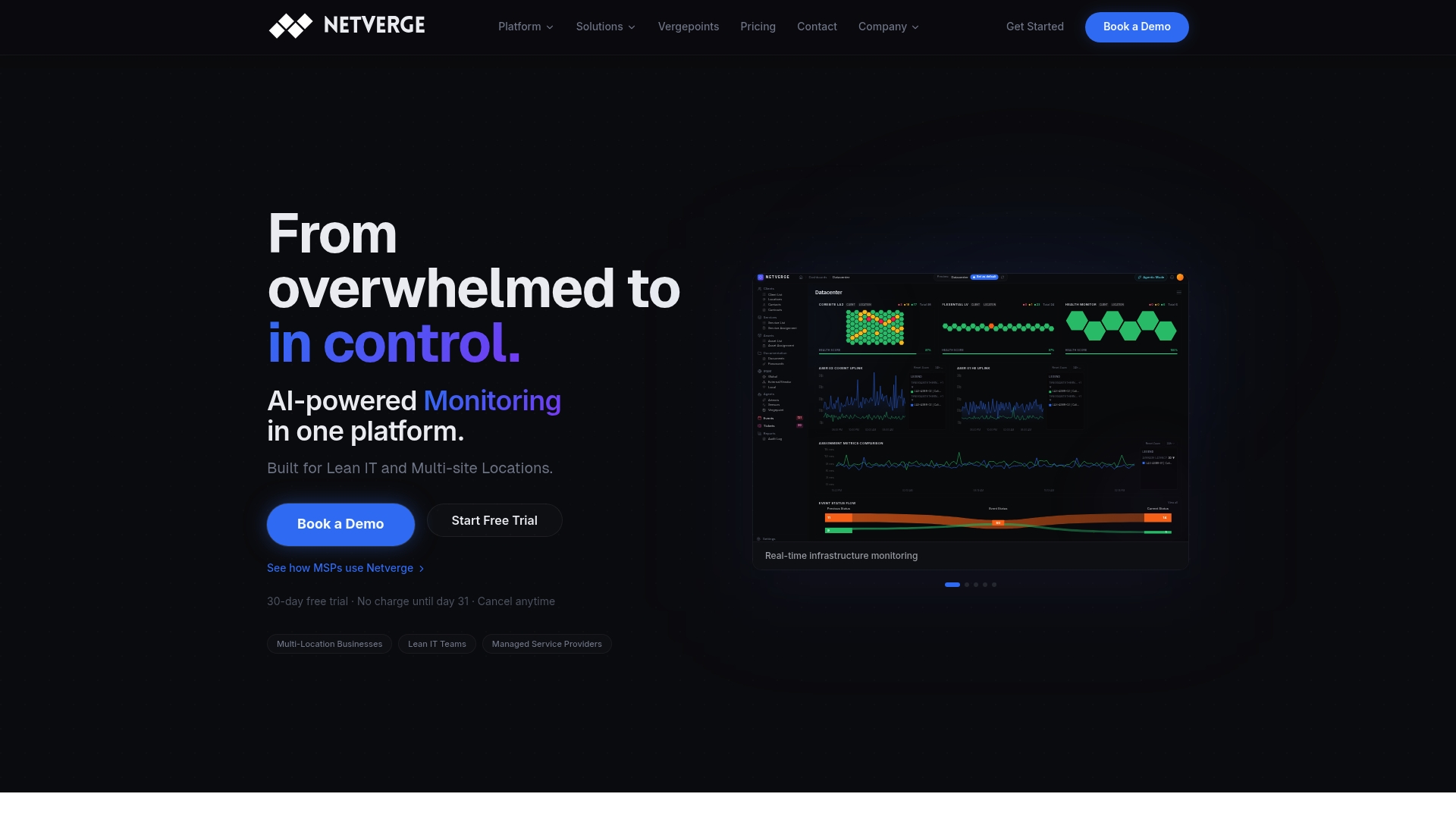
According to the company, the Starter package begins at $299/month and includes 150 sensors and 10 Artemis AI agents. Netverge pairs Vergepoint edge hardware with autonomous agents to detect and act on problems from inside the network. The platform targets MSPs and enterprise IT teams with multi site visibility, ticketing, and living documentation.
Core Features
Netverge reports real time monitoring across 28+ sensors that cover network health, RF environment, and user experience metrics. The platform combines a unified dashboard for monitoring, ticketing, and documentation with a Knowledge Graph that stores living documentation and asset relationships. Edge hardware called Vergepoint provides inside network telemetry while Artemis agents handle event correlation, automated troubleshooting, and intelligent ticket triage. The vendor advertises one year of storage and retention for telemetry and logs.
Key Differentiator
The single defining capability is the integrated Vergepoint hardware plus agentic AI. Running autonomous agents alongside edge sensors allows diagnostics and remedial actions tied directly to living documentation within one interface, rather than splitting telemetry, tickets, and docs across separate tools.
Pros
Netverge consolidates monitoring, documentation, and ticketing into a single view, which reduces the number of consoles an operator must check during incidents. Agentic AI automates detection, correlation, and initial remediation, which lowers manual triage and speeds incident handling. Vergepoint delivers inside network visibility that reduces unnecessary truck rolls, and role based access with multi tenancy supports MSP scale and enterprise segmentation.
Cons
- Initial setup of Vergepoint hardware and integration may require technical expertise, which can extend rollout time for small teams.
Who It's For
MSPs managing numerous client networks and enterprise IT teams that need unified, AI driven network visibility and control across many sites. Teams that plan to centralize monitoring, documentation, and ticketing and who can support an edge hardware deployment will get the most value.
Unique Value Proposition
Vergepoint plus Artemis agents let you surface and act on issues from inside the client network. That combination turns field diagnostics into automated workflows tied to living documentation, reducing repeat visits and accelerating resolution. For organizations with distributed sites, this alignment converts telemetry into executed fixes and documented context in one system.
Real World Use Case
The vendor describes an MSP deploying Vergepoint at client locations and using Netverge to monitor, troubleshoot, and automate management across over 50 sites. This approach reduces incident response time and limits truck rolls by allowing the platform to run diagnostic tests and suggest or execute fixes before a field dispatch.
Pricing
Starter pricing begins at $299/month for the Starter package. That Starter package includes 150 sensors, 10 Artemis AI agents, and options for Vergepoint hardware. Detailed pricing for higher tiers or enterprise licensing is not publicly listed.
Website: https://netverge.com
vVenues

At a Glance
vVenues reports support for capacities up to 100,000 participants. That scale targets global conferences and large virtual expos. The platform runs in the browser and offers white label branding plus immersive, full screen environments.
Core Features
vVenues uses Unreal Engine 5 to deliver full screen virtual environments that let organizers build custom stages, lobbies, and interactive scenes that run without downloads. Interactive engagement tools include live polling, quizzes, word clouds, Q&A, photo walls, and games while global live streaming emphasizes low latency and scalability. According to the company, vVenues holds ISO 27001 certification and claims GDPR compliance, and it provides real-time dashboards and attendee-level reporting.
Key Differentiator
The platform’s core distinction is unlimited creative control through Unreal Engine 5, which supports highly tailored visual design rather than template-based pages. That approach lets event teams map brand identity into spatial experiences, custom transitions, and bespoke stage designs. For organizations that need immersive staging and scripted attendee journeys, this model supports complex session architecture and visual fidelity.
Pros
Branding and customization are strong with white label options, environment-level controls, and dedicated success managers who assist design and production. Enterprise protections include single sign-on, two factor authentication, and data encryption, and the platform supports wide geographic access including China and mobile participation. Analytics provide real-time dashboards and individual attendee reporting that help measure session performance and follow up.
Cons
- Marketing tools are less developed compared with some rival platforms.
- Integration flexibility and third-party tool compatibility could be limited for organizations that need many external connectors.
- The platform’s complexity can overwhelm organizers running very small or simple events.
When It May Not Fit
vVenues is a poor match for teams that run single-room webinars with minimal production needs. Organizations that rely heavily on built-in marketing automation or many native connectors may find gaps. Small event teams without design resources will likely prefer simpler, turnkey platforms with faster setup.
Who It's For
Large enterprises, trade show organizers, and corporate event teams needing brand-aligned virtual environments will get the most from vVenues. Technical production teams that can design custom Unreal scenes will extract greater value. Groups that require enterprise security controls and global attendee reach also fit the profile.
Real World Use Case
vVenues' marketing materials describe a global conference with 10,000+ attendees, multiple interactive stages, and networking rooms. Organizers would run concurrent tracks, capture individual engagement, and monitor real-time analytics to measure session performance. Dedicated success managers would map complex floor plans and support live production.
Pricing
Pricing is not publicly listed. The vendor indicates enterprise custom quotes and project-based engagements for event production. Contact sales for a demo, RFP guidance, and a tailored quote.
Website: https://vvenues.com
Chati Virtual Event Platform
At a Glance
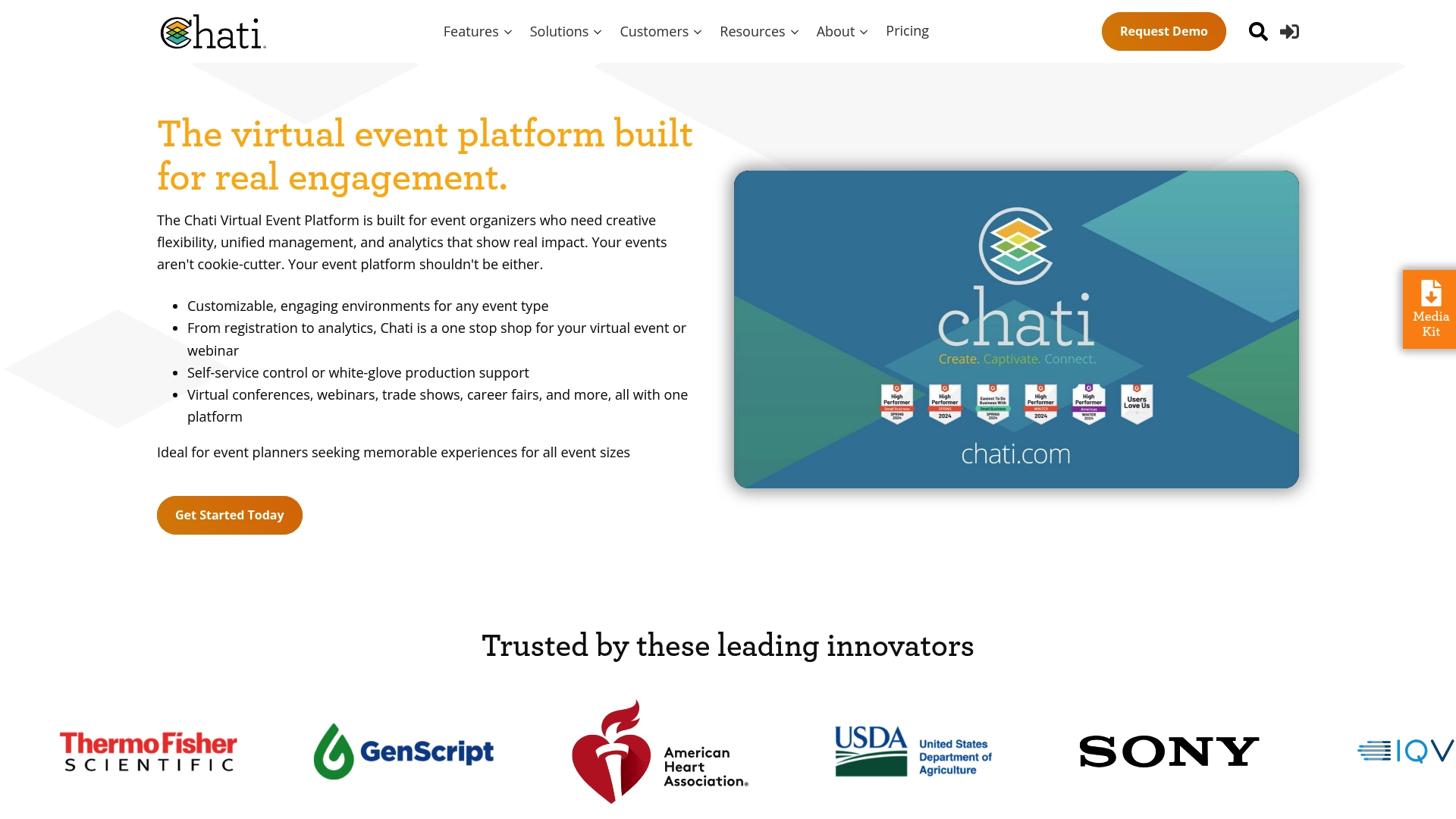
Supports 3D environments, a virtual exhibit hall, and sponsorship placements aimed at trade shows and career fairs. Chati pairs those immersive features with registration tools and attendee analytics. The vendor reports strong ratings on G2 and client endorsements. That rating claim signals broad positive feedback rather than quantified user counts.
Core Features
Chati delivers customizable virtual environments and an event workflow that covers registration, content delivery, and post event analytics. The platform offers both self service controls and white glove production support, plus webinar hosting with interactive Q&A, chat, gamification, and networking hubs. Media delivery options include live streaming, on demand playback, and social push to major video platforms.
Key Differentiator
Built by event professionals with over 20 years of experience, Chati emphasizes event production best practices in its feature set. The product focuses on configurable environments and sponsor monetization within virtual exhibit halls. That production background shows up in managed service options and event design templates.
Pros
Customizable environments raise engagement by letting organizers mirror real conference layouts and sponsorship placement. The interface is described as intuitive for event staff, reducing training time for recurring programs. Rich telemetry and reporting capture attendee behavior across sessions, booths, and networking hubs, which helps refine programming and sponsorship value. Flexible plans let teams pick self service or full managed services depending on event complexity.
Cons
- Scraped third party reviews report minimal public complaints, which limits visible negative feedback for comparative evaluation.
- Pricing details are not listed publicly, so procurement requires direct vendor contact and scope review.
- Organizations with highly specific integrations may need to validate compatibility, since integration depth varies by vendor implementation.
Notable Integrations
Chati connects to common webinar and streaming platforms used by technical event teams. Key integrations include:
- Zoom
- Microsoft Teams
- Webex
- GlobalMeet
- Webinar.net
- ON24
- Vimeo
- YouTube
Who It's For
Event organizers running virtual conferences, trade shows, or hybrid programs who need configurable environments and production support. The platform fits corporate marketing teams, professional associations, educational institutions, and nonprofit organizers running multi session or sponsor driven events.
Real World Use Case
A multinational research organization used Chati to host a large virtual scientific conference. The organizer reported higher attendance than prior in person meetings, and used session and booth analytics to prioritize follow up and measure sponsor engagement. That event relied on white glove production to manage complex session transitions.
Pricing
Pricing is not specified publicly. The vendor offers tailored plans and asks buyers to inquire about costs based on event size, feature set, and managed services required. Budget conversations typically include licensing, production fees, and optional managed service rates.
Website: https://chati.com
Engage AI

At a Glance
The vendor site returns a critical error, so public product pages are not accessible. Third party reviews describe a browser plugin that helps craft LinkedIn comments and simple outreach. Those reviews praise ease of use and Engage AI's tone selection for comments.
Core Features
The extension runs inside the browser and focuses on prospecting activity on LinkedIn. Key functions include narrowing to specific prospects, generating responses, tracking lead engagement, and choosing comment tone. Public documentation is missing, so available details come from third party reviews and feature lists.
Key Differentiator
The defining trait is minimal effort required to produce meaningful LinkedIn responses via an intuitive browser plugin. That claim appears across user feedback and feature notes. For teams focused strictly on comment and message drafting, the narrow focus can speed outreach work.
Pros
Reviews emphasize an easy learning curve and a user friendly interface that runs in the browser. Users report the tool needs little setup and that tone selection helps keep replies on brand. Because public pages are unavailable, those strengths rely on third party reports rather than vendor documentation.
Cons
Dependent on LinkedIn, so it will not support outreach on other social networks or community forums.
Public website error prevents independent verification of full features, admin controls, and security practices.
Available reviews appear limited. There are no widely cited case studies or technical docs to assess scale.
When It May Not Fit
If your team needs outreach across multiple networks, this LinkedIn focused plugin will not fit. If you require documented admin controls, audit logs, or enterprise grade security evidence, public pages do not show those details. Buyers who need vendor support SLAs or integrations should seek full documentation before adopting.
Who It's For
LinkedIn members who prioritize fast reply drafting and short form engagement will find this useful. It suits sales reps, recruiters, and solo professionals who want faster comment and message composition. Teams requiring cross platform community management or extensive member moderation should look elsewhere.
Real World Use Case
A sales professional uses Engage AI to craft a personalized comment on a prospect post in minutes. They select tone, adjust a line or two, and save the draft to follow up later. Because public product pages are down, IT should validate security and data use before rolling out at scale.
Website: https://engageve.com
Comparison of alternatives
Evaluating the range of software solutions reveals distinct advantages unique to each option, tailored for varied operational complexities and requirements.
Diagnostic integration and automation
Netverge integrates edge telemetric monitoring with AI-driven diagnostics and ticketing. This is enhanced by its Vergepoint hardware and Artemis AI, making it a choice for operations emphasizing automated network management and living documentation. This solution, however, requires technical expertise for initial integration and may be overbuilt for simpler monitoring needs.
Event customization and sponsor engagement
vVenues shines in producing highly tailored visual experiences. Leveraging Unreal Engine 5, teams can customize every graphical detail from stages to audience atomospheres, delivering branded visually striking results. Chati focuses on mapping real-world event layout designs into user-friendly digital and hybrid venues. It supports sponsors' engagements with detailed analytics and intuitive controls, fitting spaces for trade show organizers prioritizing sponsorship involvement.
Best fit
- For IT professionals managing expansive networks requiring on-site diagnostics with automated ticketing, Netverge offers a unified and proactive toolkit.
- For marketing managers emphasizing visual originality and branding, vVenues’ custom environments and Unreal Engine-based scenes are a strong fit.
- For event coordinators prioritizing sponsor engagement and interaction analysis, Chati’s sponsorship and analytics tools stand apart.
Our pick
For organizations seeking a solution combining proactive diagnostics, real-time monitoring, and built-in living documentation features leveraged to enhance network management and service processes, Netverge emerges as the ideal pick. Its integration of Vergepoint hardware and Artemis AI agents uniquely supports enterprise teams with complex, distributed operations. However, organizations requiring non-network monitoring functionalities or minimalist solutions might find Chati or vVenues more aligned to their simpler or more specialized needs.
Netverge leads this comparison with its integration of cutting-edge IoT sensors, AI management, and unified platform capabilities.
| Product | Core Feature or Use Case | Key Differentiator | Best For | Pricing | Limitation |
|---|---|---|---|---|---|
| Netverge | Network monitoring and management with edge hardware | Integrated Vergepoint hardware and AI | MSPs and IT teams with multisite networks | Starts at $299/month | Requires technical expertise for setup |
| vVenues | Large-scale virtual conferences | Custom visual environments via Unreal 5 | Enterprises needing immersive branding | Price not published | High complexity for small events |
| Chati Virtual Event Platform | 3D virtual exhibits and sponsorship placements | Built by professionals with 20+ years' experience | Conference organizers and educators | Price not published | Unspecified custom integration validation |
| Engage AI | LinkedIn comment composition and prospect management | Lightweight browser plugin | Individual professionals and recruiters | Price not published | Limited to LinkedIn platform |
Which Network Monitoring Solution Fits Your Multi-Site Needs?
Managing network infrastructure across multiple locations can demand too many disconnected tools for monitoring, troubleshooting, and documentation. Netverge addresses this challenge by combining AI-powered telemetry and autonomous agents with physical Vergepoint hardware. This unified approach reduces manual triage, accelerates incident resolution, and delivers inside-network visibility that lowers service visits.
- Real-time anomaly detection and automated ticket triage
- Living documentation linked to diagnostic actions
- Designed for MSPs and enterprise IT teams with multi-site control
Learn more about Netverge and see how integrating AI and edge sensors can give your network teams a single intelligent interface. See how you can reduce overhead and improve operational efficiency across your distributed networks today.
Visit Netverge for details
FAQ
What makes Netverge suitable for MSPs managing multiple client networks?
Netverge is tailored for MSPs with its single view that consolidates monitoring, documentation, and ticketing. The platform's integrated approach combines Vergepoint edge hardware with autonomous agents, allowing for efficient management across client sites. MSPs can expect reduced console checks during incident handling and improved operational efficiency.
How does Netverge compare to vVenues regarding feature sets?
vVenues offers unlimited creative control through Unreal Engine 5, enabling highly customized virtual environments for large-scale events. In contrast, Netverge excels at providing unified network visibility and control across multiple sites, ideal for larger MSPs or enterprise IT teams needing robust monitoring and management tools. Each platform serves different primary use cases: virtual event experiences versus network management.
What pricing details should I know about Netverge's offerings?
Netverge's Starter package begins at $299 per month, which includes 150 sensors and 10 Artemis AI agents. This transparent pricing structure allows users to assess their budget before committing to a plan. For organizations seeking additional capabilities, higher tiers are also available but not publicly listed.
Can Netverge handle multi-site visibility effectively?
Netverge is designed to provide multi-site visibility, supported by its integration of Vergepoint hardware and autonomous agents for real-time monitoring. This setup ensures that teams can identify and remediate issues swiftly across diverse locations. Organizations aiming for streamlined network management will benefit greatly from this feature.
What support does Netverge offer during the initial setup phase?
While the initial setup of Vergepoint hardware may require technical expertise, Netverge aims to assist through its documentation and support resources. Organizations should prepare for potential challenges during rollout, particularly if they have smaller teams with limited technical experience.